(804) 368-1740

PC's-R-US Logo
  • Home
  • About Us
  • Services
  • Product Line
  • Blog
  • Create Ticket
  • Contact

How to Choose the Best IT Support for Your Small Business (Compared): Why Richmond VA Computer Repair Beats the Big Box Stores

March 26, 2026 by support@pcsrusva.com

If you are running a small business in Richmond, VA, you know that tech problems aren’t just "annoyances." They are productivity killers. When your server goes down or your email stops syncing, it doesn't just mean a slow afternoon, it means lost revenue, frustrated customers, and a massive headache for you.

When these issues strike, most business owners face a choice: do you call the massive big-box retailer with the national 1-800 number, or do you find a local specialist?

Hi, I’m Trey, Co-Owner of PC’s-R-US. I’ve seen firsthand how the wrong choice can leave a small business hanging for days. Today, I want to walk you through why choosing local computer repair in Richmond, VA, isn't just about supporting your neighbors: it’s actually the smartest strategic move for your business's bottom line.

The Big Box Trap: Why "Standard" Support Fails Small Businesses

We’ve all been there. You walk into a giant store with blue and yellow signs, or you call a corporate help desk, and you’re treated like a number. Big box stores are great at selling you a printer, but they are often ill-equipped to handle the nuances of a small business network.

Here is the truth: big-box tech support is built for the "average consumer." They use a one-size-fits-all approach. If your problem doesn't fit into their pre-written script, you’re in trouble.

Small businesses have unique operational constraints. You might be running legacy software that your industry requires, or you might have a hybrid setup with staff working from home in Midlothian and the office in Mechanicsville. A big-box technician isn't going to take the time to understand your workflow. They want to wipe your hard drive and start over because it's the fastest way to get you out of their queue.

Comparison showing the benefit of local computer repair in Richmond VA over big box stores.

The Local Advantage: Why Richmond VA Computer Repair Wins

When you search for computer repair Richmond VA, you are looking for more than just someone to fix a broken screen. You are looking for a partner. Here is why local wins every time:

1. We Actually Know Your Neighborhood

When you call us, we aren't looking up your zip code on a map. We know the difference between a storefront in Midlothian and a warehouse in Mechanicsville. We understand the local infrastructure. If there’s a Comcast outage hitting the West End, we probably already know about it. That local context saves time.

2. Faster Response Times

For a big-box store, an "on-site" visit might be scheduled for next Tuesday between 1 PM and 5 PM. For a small business, that wait time is unacceptable. Local providers like PC’s-R-US offer much more flexible and immediate support options. Whether you need a create a ticket for a remote fix or need us to show up at your office, we move at the speed of your business.

3. Personalized Security Assessments

A national chain won't sit down with you to do a deep dive into your security. At PC's-R-US, we offer managed security that includes a full assessment of your risks. We look at your specific vulnerabilities: not just a generic checklist.

Security Isn't Optional: Ransomware and Your Reputation

One of the biggest risks facing small businesses today is ransomware. You might think, "I’m too small to be a target." Unfortunately, hackers love small businesses because they often have "big-box" level security (which is to say, almost none).

If your business is hit with ransomware, a big-box store will tell you to buy a new computer. That doesn't help you get your data back, and it doesn't protect your customers' private information.

We take a proactive approach. Our managed continuity services ensure that your data is backed up and recoverable. We don't just wait for things to break; we look for the cracks in the wall before the intruders get in.

Managed security shield protecting small business data from cyber threats in Richmond VA.

Mastering the Modern Office: Office 365 and Beyond

Is your team actually using managed email correctly? Many businesses in Richmond, VA, have moved to Office 365 but are only using about 10% of its capability.

When you work with a local IT partner, we don't just install the software. We help you optimize it. We can show you how to use Teams for better collaboration or how to secure your OneDrive so that sensitive files don't end up in the wrong hands. This is the difference between having a tool and actually knowing how to use it.

What to Look for in a Richmond IT Provider

If you are currently shopping for computer repair in Midlothian, VA, or looking for computer repair in Mechanicsville, VA, here is a quick checklist of what you should ask:

  • Do they understand my industry? (e.g., Are you a medical office needing HIPAA compliance?)
  • Is their support bundled or hourly? We offer managed workstation services that provide predictable monthly costs rather than surprise bills.
  • Are they locally owned? Local owners like myself are personally invested in the community's success.
  • Do they offer specialized support? For example, we are proud to offer Amazon Key for Business installations to help local businesses manage deliveries securely.

The Value of Experience (and a Friendly Face)

At PC’s-R-US, we pride ourselves on being approachable. Technical jargon is the enemy of good service. You shouldn't need a computer science degree just to talk to your IT guy.

We also believe in taking care of our community. That is why we offer discounts for seniors and military members. It’s our way of saying thank you to those who have built and protected our community.

Local Richmond IT support showing community trust with military and senior discounts.

Comparing the Costs: The "Hidden" Big Box Fees

On the surface, a big box store might seem "cheaper" because they have a low flat rate for a single fix. But let’s look at the real costs:

  1. Downtime: If you are down for three days waiting for a technician, how much money did you lose?
  2. Repeat Issues: If they didn't find the root cause of your network failure, you'll be calling them back next week.
  3. Security Gaps: A single data breach can cost a small business tens of thousands of dollars in fines and lost trust.

When you invest in a product line and service plan designed for businesses, you aren't just spending money: you are buying insurance for your productivity.

Ready to Upgrade Your Support?

Your business deserves better than a generic 1-800 number. You deserve a team that knows your name, understands your business goals, and responds when you need them most.

Whether you are looking for services for a single broken laptop or a full managed IT solution for your growing office, we are here to help. Check out what our neighbors are saying on our testimonials page, or read more of our tips on our blog.

Stop gambling with your business tech.

If you are in Richmond, Midlothian, or Mechanicsville and need expert, friendly IT support, let’s talk. You can contact us directly or learn more about our mission to keep Richmond’s businesses running smoothly.

At PC's-R-US, we don't just fix computers: we support the people who run them.

High-tech bridge symbolizing a clear path to successful IT support for Richmond businesses.

Filed Under: Cloud Technologies

Share:

How to Choose the Best Computer Repair in Richmond (Compared): Why Personal Service Beats the Big-Box Stores

March 24, 2026 by support@pcsrusva.com

Hey there, Richmond! Trey here from PC's-R-US.

It’s Tuesday, March 24, 2026, and if you’re reading this, there’s a good chance your laptop just pulled a disappearing act with your latest project, or your office network is moving slower than traffic on I-64 during a rainstorm. We’ve all been there. When your tech breaks, your first instinct might be to hop in the car and head to the nearest big-box retailer with a "Squad" or a "Bar" in the name.

But before you load up the car and prepare to wait in a fluorescent-lit line for forty minutes, I want to talk to you about why staying local is almost always the better move. Whether you need computer repair in Richmond VA, computer repair in Midlothian VA, or you're looking for someone to drive out for computer repair in Mechanicsville VA, the difference between a giant corporation and a local shop like PC's-R-US is night and day.

Let’s break down how to choose the right partner for your tech and why personal service wins every single time.

The Big-Box Reality Check

We’ve all seen those massive electronics stores. They’re convenient because they’re everywhere, but when it comes to actual repair work, they often fall short. When you drop your computer off at a national chain, you aren't just a customer; you're a ticket number.

Often, those "technicians" are following a script. If the problem isn't on the script, their solution is usually to wipe your hard drive (say goodbye to your photos!) or tell you it’s "unfixable" so they can sell you a new model. Plus, their overhead is huge, which means you’re paying for their massive TV displays and blue shirts, not necessarily for high-level expertise.

Personalized computer repair in Richmond showing a technician's hand inspecting a digital motherboard.

Why Personal Service Wins in Richmond

At a local shop, your reputation is everything. If I don't do a good job for a neighbor in Midlothian, word spreads. We live and work in this community. Here is why choosing a local expert is the smarter play:

1. You Actually Talk to the Tech

When you call us or visit our about page, you’re dealing with people who actually do the work. You can explain that weird clicking noise your hard drive is making or the way your screen flickers only when you’re on a Zoom call. We listen, we diagnose, and we explain the "why" behind the fix.

2. In-Home and On-Site Convenience

Why should you have to unhook fifteen wires and lug a heavy desktop into a store? One of the biggest perks of local service is that we come to you. Whether it’s a home setup in Mechanicsville or a small business office in downtown Richmond, we offer on-site support that the big guys rarely provide without a massive "premium" fee.

3. We Care About Your Data

Big-box stores are notorious for the "factory reset." It’s the easiest way for them to close a ticket. At PC's-R-US, we know your data is your life: your family photos, your tax returns, your business records. We prioritize data preservation and recovery, ensuring that "fixing" your computer doesn't mean "deleting" your memories.

What to Look For in a Local Repair Shop

Not all local shops are created equal. As you’re searching for "computer repair Richmond VA," keep these criteria in mind to ensure you’re getting the best service possible:

  • Experience: Look for shops that have been around the block. We’ve seen the evolution from bulky towers to sleek ultrabooks. Experience means we don't guess; we know.
  • Transparent Pricing: You shouldn't need a law degree to understand your bill. Look for clear communication on labor rates and part costs.
  • Reviews: Check out what your neighbors are saying. You can see some of our local feedback on our testimonials page.
  • Service Range: Can they handle both PCs and Macs? Do they do hardware and software?
  • Special Discounts: Local shops often support the community back. For instance, we’re proud to offer discounts for seniors and military members. It’s our way of saying thanks.

Professional computer diagnostic tools and hardware icons used for local IT support services.

Beyond the Home: Small Business IT Support

While we love helping folks get their home computers back up and running, we also know that Richmond’s small businesses have unique needs. If you’re running a small company in Midlothian or Mechanicsville, you don't just need a "repair guy": you need an IT partner.

In 2026, the threats are more sophisticated than ever. We’ve seen a massive uptick in ransomware attacks targeting small local businesses because hackers know smaller shops often have weaker defenses than huge corporations.

Managed Services for Peace of Mind

Instead of waiting for things to break, many of our business clients use our managed services. This includes:

  • Managed Security: We keep the bad guys out so you can focus on your work. Check out our managed security options.
  • Office 365 Support: We help you manage your emails and cloud storage without the headache.
  • Managed Continuity: If your server goes down, how fast can you get back to work? We ensure your backups are solid. Learn more about managed continuity here.

Just a reminder: A security assessment today can save you thousands of dollars in recovery fees tomorrow. If you haven't had your office network checked lately, you might be at risk.

Serving the Greater Richmond Area

We aren't just sitting in one spot. We're proud to serve the entire region:

  • Computer Repair Midlothian VA: From Brandermill to Woodlake, we’ve got your back. Whether it’s a cracked laptop screen or a mesh Wi-Fi setup, we’re just a phone call away.
  • Computer Repair Mechanicsville VA: Don't let the distance stop you from getting expert help. We regularly head out to Mechanicsville to assist both residential and business clients.
  • Richmond Proper: From the Fan to Church Hill, we know the city and its tech needs inside and out.

A map showing computer repair services and cyber security coverage for Richmond, Midlothian, and Mechanicsville.

The PC's-R-US Difference

At the end of the day, we’re a locally owned business. When you support us, you’re supporting the Richmond economy, not a corporate headquarters in another state.

We try to make things as easy as possible. Need a quick fix? You can create a ticket online. Want to see what we've been up to? Head over to our blog for more tips and tricks on keeping your tech running smoothly.

Our Promise to You:

  1. No Geek Speak: We’ll explain things in plain English.
  2. Fast Turnaround: We know you need your device back yesterday.
  3. Honest Advice: If your 10-year-old laptop is beyond saving, we’ll tell you straight up instead of taking your money for a temporary fix. We even have a product line if you're looking for a reliable replacement.

Final Thoughts on Choosing Your Tech Partner

Choosing the best computer repair in Richmond doesn't have to be a gamble. Look for the personal touch. Look for the people who answer the phone with a friendly voice and who remember your name when you call back.

Whether you're dealing with a virus, a slow computer, or you need a full IT overhaul for your growing business, skip the big-box headache. Go local. Go with someone who treats your computer like it’s their own.

If you have questions or need help right now, don't hesitate to contact us. We’re here to help you get back to your life and your business, stress-free.

Stay tech-savvy, Richmond!

( Trey
Co-Owner, PC's-R-US)

Filed Under: Cloud Technologies

Share:

Ransomware Protection Matters: Why Your Business Needs Computer Repair in Richmond VA Before It’s Too Late

March 19, 2026 by support@pcsrusva.com

Just a reminder: ransomware is still one of the most common ways small businesses get knocked offline, and the trend hasn’t slowed down in 2026. Over the last few months, major security vendors and incident-response teams have continued warning about “double extortion” (they lock your files and threaten to leak them). You don’t need to be a big company to be a target. You just need one weak password, one unpatched PC, or one click on a convincing email.

If you’re running a business in the Richmond area, the practical move isn’t “hope we’re fine.” It’s to treat ransomware like a business interruption risk, because it is. And that’s where computer repair in Richmond VA becomes more than fixing broken laptops. It’s about keeping your systems safe, recoverable, and usable when it matters.


What ransomware actually does (in plain English)

Ransomware is malware that:

  • Encrypts your files so you can’t open them
  • Spreads across shared drives (and sometimes other computers)
  • Demands payment for a “decryption key” you may or may not receive
  • Often steals data first, then threatens to publish it

If you rely on any of these, you’re at risk:

  • QuickBooks files
  • Office 365 email and OneDrive/SharePoint data
  • Customer lists and invoices
  • Medical/legal/HR documents
  • Shared folders on a server or NAS device

The worst part? Many businesses don’t realize they’re vulnerable until the day everything stops.


“We’re too small to get hit” is the #1 expensive myth

Attackers love small businesses because:

  • You’re busy, so updates get postponed
  • You probably have fewer security layers
  • A single compromised account can access “everything”
  • You need to get back to work fast, so the pressure to pay is real

And yes, we’ve seen it locally: one machine gets infected, then it moves to mapped drives, then suddenly the front office can’t access files. Phones start ringing. Orders stop. Payroll gets weird. Panic follows.

You don’t need panic. You need a plan.


The real weak spots we see in Richmond-area businesses

Here are the most common “open doors” we run into during service calls and security checkups:

1) Weak or reused passwords

If one password is reused across email, banking, or vendor sites, it’s a single point of failure. Password reuse is ransomware fuel.

2) No MFA (multi-factor authentication)

MFA means even if a password is stolen, the attacker can’t just log in. If your email doesn’t have MFA enabled, you’re taking a big risk for no reason.

3) Outdated PCs and unpatched software

Unpatched systems are easy targets. It’s not about being “careful.” It’s about known holes that attackers automate.

4) Remote access that’s wide open

Remote Desktop (RDP) and poorly configured remote tools are common entry points. Convenience is great, until it isn’t.

5) Backups that aren’t actually recoverable

A backup that hasn’t been tested is a “hope,” not a plan. And backups that stay connected 24/7 can get encrypted too.

Glowing digital padlock showing security gaps that require professional ransomware protection and computer repair in Richmond VA.


What “computer repair” should mean in 2026 (for businesses)

A lot of people hear “computer repair” and picture a cracked screen or a noisy fan. We do that too. But for a business, computer repair in Richmond VA should also include security-focused work like:

  • Locking down email and logins (MFA, safer access rules)
  • Removing risky remote access setups
  • Updating and patching PCs and servers properly
  • Setting up backups that can’t be wiped out by ransomware
  • Checking suspicious behavior before it becomes a full outage
  • Putting real monitoring in place so threats get caught early

At PC’s-R-US, we’re locally owned and we work with both households and small businesses, so we see the whole spectrum, from “my laptop won’t boot” to “we can’t access any of our shared files.”


The “3-layer” ransomware protection plan that actually works

You don’t need a fancy enterprise setup. You need coverage in the right places.

Layer 1: Identity and access controls (stop the easy break-ins)

What we recommend for most small businesses:

  • MFA everywhere (especially email and admin accounts)
  • Least privilege (users shouldn’t have admin rights “just because”)
  • Separate admin accounts from daily-use accounts
  • Strong password policy + password manager (simple wins)

If you use Microsoft 365, securing identity is often the biggest ROI move you can make.

Layer 2: Endpoint protection and patching (stop malware from running)

This is the “keep the bad stuff from executing” layer:

  • Business-grade endpoint protection (not just consumer antivirus)
  • Regular patching for Windows/macOS + third-party apps
  • Removing outdated software that’s no longer supported
  • Hardening common ransomware targets (macros, script abuse, etc.)

Layer 3: Backups and recovery (get your business back fast)

This is where you win or lose the ransomware fight.

  • Offline or immutable backups (so ransomware can’t encrypt them)
  • Backups tested on a schedule (quarterly at minimum)
  • A simple recovery plan: who does what, in what order

Industry reporting continues to show backups are one of the most successful recovery paths when ransomware hits, but only when they’re protected and tested.


Office 365: the #1 thing businesses assume is “already safe”

If your business uses Microsoft 365 (Outlook, OneDrive, SharePoint, Teams), you’re in good company. But here’s the honest truth:

  • Microsoft secures their infrastructure
  • You still need to secure your accounts, devices, and data practices

That means:

  • MFA + conditional access basics
  • Anti-phishing protections
  • Safer email configurations
  • Backup/retention strategy that matches your risk

If ransomware compromises an employee account, the attacker might not need to “hack” anything. They just log in and start abusing access.

If you want help tightening this up, our managed services are built for this exact issue. Start here: https://pcsrusva.com/managed-email


A quick checklist: signs you’re one bad click away

If any of these are true, your risk is higher than it should be:

  • You don’t know if MFA is enabled for every mailbox
  • PCs run updates “when someone remembers”
  • Employees share logins
  • You have one backup drive plugged in all the time
  • You’ve never tested a restore
  • Your “IT plan” is calling someone after things break

This isn’t about blame. It’s about catching gaps before they become downtime.


What to do if you suspect ransomware (right now)

If you see a ransom note, suddenly can’t open files, or notice weird file extensions:

  1. Disconnect the infected PC from Wi‑Fi/Ethernet immediately
  2. Don’t keep clicking around “to see what happened”
  3. Don’t plug in backup drives
  4. Write down what you’re seeing (screenshots help)
  5. Get professional help fast, speed matters

If you need us, the fastest path is opening a ticket here: https://pcsrusva.com/create-ticket


Richmond, Midlothian, Mechanicsville: local help matters during an attack

When you’re dealing with ransomware, time is everything. Waiting days for a remote-only vendor can be brutal if your business runs on shared files, email, and daily transactions.

We support businesses and home users across the region, including:

  • computer repair Richmond VA
  • computer repair Midlothian VA
  • computer repair Mechanicsville VA

Local support means you can get practical answers fast: what to shut down, what to preserve, what can be restored, and what needs to be rebuilt safely.


Home users: you’re not off the hook either (and your home PC can affect work)

A quick note, because we see this constantly: if you or your employees use home computers for work (even “just checking email”), a compromised home device can lead to business account compromise.

For home setups, the ransomware basics look like this:

  • Automatic updates turned on
  • A real antivirus/endpoint tool (not expired)
  • Backups for important photos/docs (and not just “on the same computer”)
  • Password manager + MFA for email

And yes: PC’s-R-US helps with home systems too. We also offer discounts for seniors and military, because good protection shouldn’t be out of reach.

Browse services here: https://pcsrusva.com/services

A digital security shield over a home, representing local computer repair and IT services for Richmond VA residents.


Why businesses call PC’s-R-US before it’s “too late”

Here’s what our clients usually want (and what we focus on):

  • Fewer surprises
  • Less downtime
  • Clear costs
  • Someone local who picks up and follows through

We’re locally owned, and we build protection around your real workflow: not an overcomplicated setup you’ll hate using.

If you’re ready for a real security baseline (or you just want someone to tell you where the holes are), start with a security-focused conversation and a plan. Our managed security page is a good overview: https://pcsrusva.com/managed-security


Your next step: pick one action today

If you want the simplest “do something now” plan, do one of these today:

  • Turn on MFA for your email accounts
  • Confirm you have offline/immutable backups (and test a restore)
  • Schedule a basic security assessment and patch/cleanup pass
  • Remove unsafe remote access and tighten permissions

If you’d rather not guess, contact us here and we’ll point you in the right direction: https://pcsrusva.com/contact

Ransomware doesn’t wait until you’re ready. But you can get ahead of it: without turning your business into a full-time IT project.

Filed Under: Cloud Technologies

Share:

Do You Really Need Managed IT Services? Here’s the Truth for Small Businesses in Richmond VA

March 17, 2026 by support@pcsrusva.com

Hey there, Richmond business owners. Trey here from PC’s-R-US.

If you’re running a small business in the River City: whether you’re a law firm in the West End, a dental practice in Midlothian, or a boutique shop in Mechanicsville: you’ve likely heard the term "Managed IT Services" tossed around. Usually, it’s followed by a sales pitch that makes it sound like you need to spend thousands of dollars a month just to keep your email from exploding.

Let’s be real: I’m a Co-Owner of an IT company, but I’m also a business owner just like you. I know that every dollar counts. You might be wondering, "Do I really need a monthly contract? Can’t I just call for computer repair in Richmond VA when something actually breaks?"

It’s a fair question. Today, I want to pull back the curtain and give you the honest truth about managed IT vs. the old-school "break-fix" model. No jargon, no fluff: just what you need to know to protect your livelihood.

The "Break-Fix" Trap: Why Waiting for a Crash Costs More

Most small businesses start out with the "break-fix" mentality. Your computer won't turn on, you search for computer repair Richmond VA, you call someone, they fix it, and you pay a bill. Simple, right?

The problem is that this model is inherently reactive. You’re only calling for help when the damage is already done. When your server goes down on a Tuesday morning, your staff is sitting idle, your customers are frustrated, and you’re losing money every minute.

Research shows that organizations using managed services report a 50% reduction in downtime. Why? Because we aren't waiting for things to break. We’re watching your systems 24/7, catching that hard drive failure before it crashes or spotting a security breach before your data is held for ransom.

Protective digital shield over workstations, representing proactive managed IT services in Richmond VA.

1. Predictable Budgeting vs. "Emergency" Invoices

One of the biggest headaches for small businesses in Midlothian and Richmond is unpredictable expenses. When you rely solely on reactive computer repair in Midlothian VA, your IT budget is a roller coaster. One month it’s $0, the next month it’s $3,000 because your network got hit by a virus.

Managed IT flips the script. You get a fixed monthly cost that covers your support, security, and maintenance. It turns a "surprise" capital expense into a predictable operating expense. This allows you to plan your growth without worrying that a single hardware failure will wipe out your quarterly profits.

2. The Ransomware Reality Check

If you think your small business is "too small" to be targeted by hackers, I have some tough news: Small businesses are actually the primary targets for ransomware.

Hackers know that local Richmond businesses often have weaker security than the giants like Capital One or Dominion Energy. They use automated bots to find vulnerabilities in your system. If you aren't actively managing your security, you’re essentially leaving your front door unlocked in the middle of the night.

Our managed services include security assessments and proactive monitoring. We don't just "fix" computers; we build digital fortresses around them. This includes:

  • Web Content Filtering: Stopping your employees from accidentally clicking on malicious links.
  • Managed Continuity: Ensuring your backups actually work so you can recover in minutes, not days.
  • Ransomware Protection: Specialized tools that stop encryption attacks in their tracks.

3. Mastering the Tools You Use Every Day (Office 365)

Most businesses we talk to in Mechanicsville are already using Office 365, but they’re only using about 10% of its power. Are you actually utilizing Teams for collaboration? Is your SharePoint set up securely, or is anyone in the company able to see your private payroll files?

When you work with a managed partner, we handle the heavy lifting of Office 365 management. We ensure your email is hosted properly, your licenses are optimized (so you isn't paying for users who left the company six months ago), and your data is synced across all your devices.

Connected mobile devices and laptops showing Office 365 management for Richmond area small businesses.

4. Local Support: The PC’s-R-US Difference

There are plenty of "national" managed IT providers out there. You’ve probably seen their ads. But when your internet goes down or your printer stops working, do you really want to wait on hold for a call center in another time zone?

We’re proud to be locally owned and operated right here in the Richmond area. When you need computer repair in Mechanicsville VA, you aren't getting a random sub-contractor; you’re getting a member of our team who knows the local landscape.

We believe in supporting those who support our community. That’s why we offer:

  • Senior Discounts: We value our elders and want to make sure technology is accessible and safe for them.
  • Military Discounts: As a "thank you" for your service, we provide special pricing for active duty and veterans.

Is Managed IT Right for You?

I’ll be the first to tell you that not every single business needs a full-blown managed contract. If you’re a one-person shop with a single laptop and no sensitive customer data, a traditional computer repair service might be all you need.

However, if you answer "Yes" to any of the following, it’s time to look at managed services:

  • Do you have 5 or more employees?
  • Do you handle sensitive customer information (PHI, credit cards, legal docs)?
  • Would your business stop functioning if your internet or server went down for 4 hours?
  • Are you worried about ransomware or cyberattacks?
  • Are you tired of "tech guys" who don't call you back?

IT command center dashboard showing network stability and expert computer repair in Midlothian VA.

The "Truth" Summary

The truth is that Managed IT isn't just about "fixing computers." It’s about business insurance. It’s the peace of mind that comes from knowing your data is backed up, your employees are productive, and your systems are secure.

Instead of searching for computer repair Richmond VA when things have already hit the fan, you can focus on what you do best: running your business: while we handle the tech.

Ready to take the next step?

Don't wait for a blue screen of death to realize your business is at risk. We offer comprehensive security assessments to show you exactly where your vulnerabilities are. We’ll sit down with you, look at your current setup, and give you a straight-talk recommendation on what you actually need (and what you don't).

Whether you need a full managed workstation setup or just someone to get your Office 365 accounts in order, we’re here to help.

Just a reminder: We’re your neighbors. We’re at the same grocery stores and parks as you. We care about the success of Richmond businesses because we are one.

Take Action Today:

  • Give us a call: Let's chat about your specific needs.
  • Check our testimonials: See what other local business owners say about us.
  • Need immediate help? Create a ticket and we’ll get moving.

Let’s keep Richmond’s business community running strong, one computer at a time.

Best,

Trey
Co-Owner, PC’s-R-US

Digital handshake over a city skyline for local IT partnerships and computer repair in Mechanicsville VA.

Filed Under: Cloud Technologies

Share:

How to Avoid the Biggest Tech Support Pitfalls: Your Guide to Trusted Computer Repair in Richmond VA

March 12, 2026 by support@pcsrusva.com

Hey there, Richmond! Trey here from PC's-R-US.

Let’s be real for a second: there is almost nothing more frustrating than a computer that refuses to cooperate. Whether you’re trying to wrap up a payroll run for your small business in Midlothian or you’re just trying to hop on a video call with the grandkids in Mechanicsville, a technology glitch feels like a brick wall.

But what’s worse than a broken computer? Bad tech support.

I’ve seen it all. I’ve had folks come into our shop after spending hours on the phone with a "support technician" halfway across the world, only to realize they were being scammed. I’ve seen small business owners lose thousands because they hired a "friend of a friend" who didn’t understand how to properly secure an Office 365 environment.

Technology is supposed to make your life easier, not more expensive and stressful. That’s why I wanted to put this guide together. If you’re looking for computer repair in Richmond, VA, or if you just want to make sure your data is safe, here is how you can avoid the biggest pitfalls in the industry and find a partner you can actually trust.

Pitfall #1: The "Remote Support" Pop-Up Scam

This is the big one. Just a reminder: Microsoft, Apple, and your bank will never send you a pop-up saying your computer is infected with a phone number to call.

These scammers are experts at creating a sense of urgency. They use loud noises, flashing red lights, and technical-sounding jargon to scare you into giving them remote access to your machine. Once they’re in, they can install ransomware, steal your banking passwords, or "fix" a problem that never existed for a cool $500.

The Solution: If a weird window pops up and freezes your screen, don’t call the number. Instead, hold down the power button on your computer until it shuts off completely. When you turn it back on, the window should be gone. If you’re still worried, bring it to a local expert for a security assessment. We’d much rather spend fifteen minutes making sure you’re safe than three days trying to recover your identity.

Laptop protected by a digital shield against cyber threats and tech support scams.

Pitfall #2: The Big Box Store "Meat Grinder"

We’ve all been there. You take your laptop to a massive electronics retailer. You stand in line for thirty minutes, hand your device to a kid who looks like he’d rather be anywhere else, and he tells you it’ll be two weeks before they can even look at it. Oh, and they’ll probably just wipe your hard drive, meaning all your photos and documents are gone, without even trying to save them.

When you go to a giant corporation for computer repair in Midlothian, VA, you’re just a ticket number. They follow a script. If the script says "replace the motherboard," they charge you $600, even if it was just a loose cable.

The Solution: Go local. As a family-owned business, we actually care about your data. We know that those photos on your desktop might be the only copies you have of your wedding or your kids' graduation. We offer personalized service because we live in the same neighborhoods you do. Plus, we’re usually faster and more affordable because we don’t have the massive corporate overhead.

Pitfall #3: Ignoring Small Business Security

If you run a small business in Mechanicsville or downtown Richmond, you might think you’re too small to be a target for hackers. You are at risk.

In fact, small businesses are often preferred targets because hackers know they typically have weaker security than a Fortune 500 company. A single ransomware attack can put a small shop out of business overnight.

Common mistakes include:

  • Using the same password for everything.
  • Not having a backup that is disconnected from the main network.
  • Thinking that "having an antivirus" is enough.
  • Using personal email accounts for business business communications.

The Solution: You need a proactive approach. Our Managed Continuity and Managed Workstation services are designed specifically to keep local businesses running without the fear of a total data wipe. We handle the updates, the security patches, and the backups so you can focus on actually running your business.

Secure network illustration for small business IT support and managed services in Richmond.

Pitfall #4: The "Free Diagnostic" That Isn't Free

Be wary of shops that offer "Free Diagnostics" but then hit you with a massive "bench fee" if you decide not to do the repair. Or worse, shops that quote you a low price and then call you two days later saying, "Oops, it’s actually going to be three times that much."

Transparency is everything in this business. You should know exactly what you’re paying for before the screwdriver even touches the case.

The Solution: Look for a shop with a solid track record. Check testimonials and look for longevity. We’ve built our reputation at PC's-R-US on being straight shooters. If your computer is ten years old and the repair is going to cost more than a new machine, we’ll tell you. We’re not here to take your money for a temporary fix; we’re here to give you the best tech advice possible.

Why Local Ownership Matters in Richmond

When you search for computer repair in Mechanicsville, VA, you’ll see plenty of options. But there’s a reason people keep coming back to us.

We aren't just "tech guys." We’re your neighbors. We believe in taking care of the people who take care of our community. That’s why we offer discounts for seniors and military personnel. Whether you’re a veteran who needs help setting up a new printer or a senior who wants to make sure their Facebook account is secure, we’ve got your back.

We also understand the specific needs of Richmond-area businesses. From setting up managed email via Office 365 to ensuring your shop is ready for Amazon Key for Business, we stay on top of the latest trends so you don’t have to.

Richmond VA skyline with a digital network representing local community tech support.

When Should You Call a Pro?

I’m all for a little DIY. If your mouse isn’t working, check the batteries! But there are a few situations where you should definitely put down the YouTube tutorial and call in the experts:

  1. Liquid Spills: If you spilled coffee on your laptop, turn it off immediately. Do not put it in rice (that’s a myth and it makes a mess). Bring it in right away.
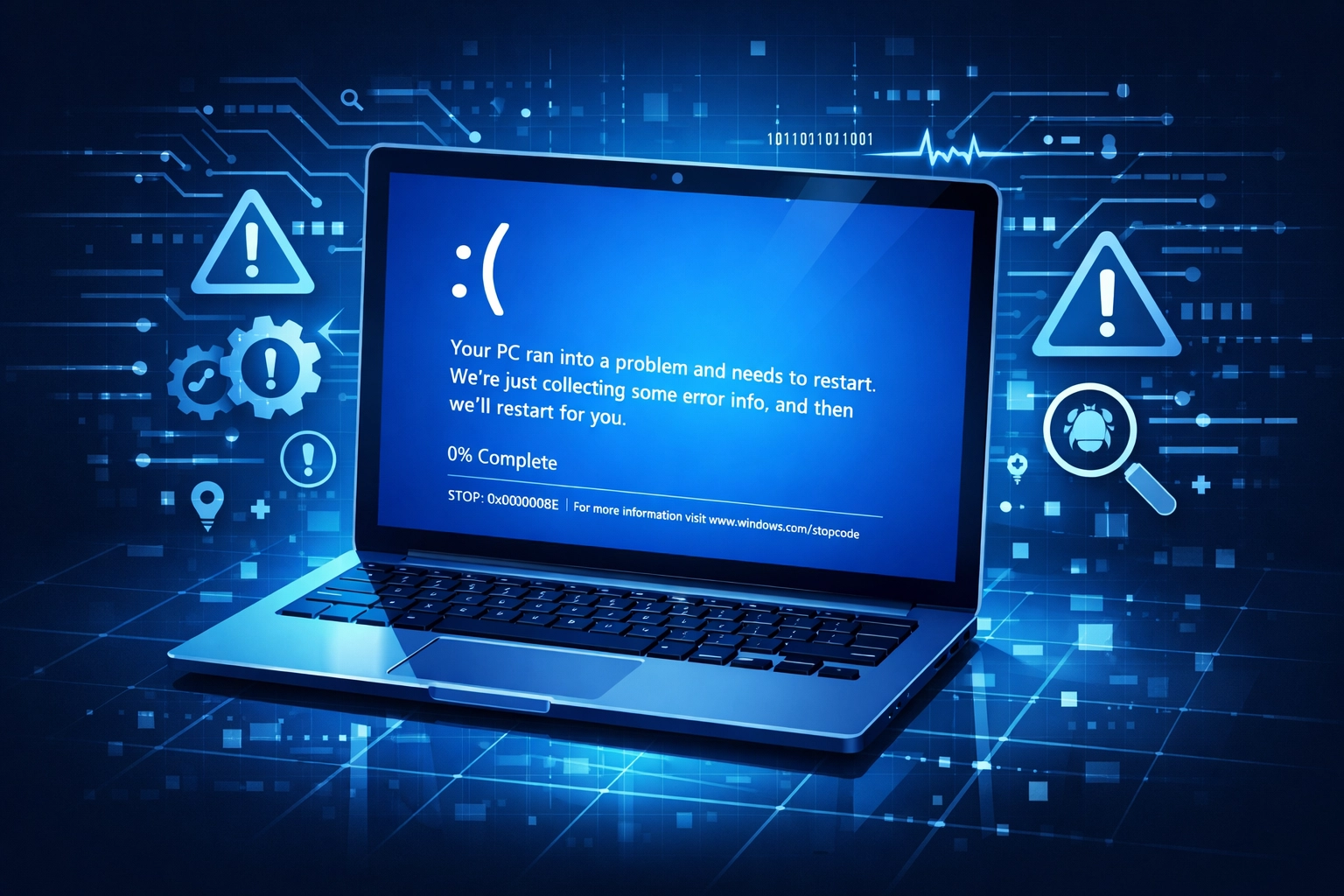
  2. Blue Screen of Death: If your computer is crashing repeatedly with a blue screen, it’s usually a sign of failing hardware or a deep-seated driver issue.
  3. Slow Performance: If your PC takes ten minutes to boot up, it’s likely bogged down by "bloatware" or a failing hard drive. We can often make an old computer feel brand new again with a simple SSD upgrade.
  4. Strange Noises: Clicking or grinding sounds are the "check engine light" of the computer world. It means your hardware is physically failing.

How to Get Started

You don't have to navigate the tech world alone. Whether you need a quick screen repair, a total system overhaul, or a secure IT infrastructure for your office, we’re here to help.

You can check out our full list of services to see how we can assist you, or if you're ready to get to work, you can create a ticket right now.

Our Promise to You:

  • No Jargon: we’ll explain what’s wrong in plain English.
  • No Surprises: You’ll get a clear quote before we start.
  • Local Support: You’ll talk to a real person right here in Virginia.

Tech support icons representing trusted computer repair and IT solutions in Virginia.

Technology should work for you, not the other way around. Don't let the pitfalls of bad tech support or predatory scams ruin your week. If you’re in Richmond, Midlothian, or Mechanicsville, give us a shout. We’ll get your tech back on track so you can get back to what matters most.

Stay safe out there, and remember: don't click on any weird pop-ups!

– Trey
Co-Owner, PC's-R-US

Need help right now? Contact us here or visit our blog for more tips on staying tech-savvy.

Filed Under: Cloud Technologies

Share:

How to Choose the Best IT Support for Your Small Business (A Guide to Richmond VA Computer Repair)

March 10, 2026 by support@pcsrusva.com

Running a small business in the Richmond area is no small feat. Whether you’re operating a boutique in Midlothian, a medical practice in Mechanicsville, or a startup in the heart of the city, your technology needs to work: period. When your server goes down or a laptop catches a nasty virus, you don't just lose time; you lose money and customer trust.

Choosing the right IT partner is one of the most important decisions you’ll make this year. You aren't just looking for someone to fix a broken screen; you’re looking for a team that understands the local landscape and can protect your livelihood. At PC's-R-US, we’ve seen it all. From simple hardware swaps to complex cloud migrations, we know what Richmond business owners are up against.

Here is your guide to finding the best IT support and computer repair in Richmond, VA.

Why "Local" Actually Matters for Your Business

We live in a world of remote support and massive call centers. You’ve probably experienced the frustration of being "Caller Number 42" while waiting for a technician who doesn't know where Richmond even is.

When you search for computer repair Mechanicsville VA or computer repair Midlothian VA, you’re usually looking for speed and accountability. Local IT support means:

  • Faster On-Site Response: If your network goes down, you can’t wait three days for a technician to fly in or drive from three states away.
  • Knowledge of Local Challenges: We know the local infrastructure and the common issues facing businesses in our specific zip codes.
  • Community Accountability: As a locally owned business, our reputation is everything. We aren't a nameless corporation; we’re your neighbors.

At PC's-R-US, we take pride in being a local fixture. We even offer discounts for seniors and military members because we believe in taking care of those who have taken care of us.

Local map of computer repair in Richmond VA, Midlothian, and Mechanicsville for small businesses.

Beyond the "Fix-It" Mentality: Managed Services

A lot of people think of IT support as a "break-fix" relationship. Something breaks, you call a guy, he fixes it, and you get a bill. While we certainly handle emergency repairs, the most successful small businesses in Richmond are moving toward Managed IT Services.

Think of it like health insurance for your computers. Instead of waiting for a total system failure, Managed Services involve proactive monitoring. We catch the "check engine light" before the engine actually blows up. This includes:

  1. 24/7 Monitoring: We keep an eye on your systems so you don’t have to.
  2. Patch Management: Ensuring your software is always up to date to prevent security holes.
  3. Strategic Planning: Helping you decide when it’s time to upgrade your hardware before it slows your team down.

Security is Not Optional (The Ransomware Reality)

If you think your small business is too small to be targeted by hackers, think again. Small businesses are often seen as "soft targets" because they lack the massive security budgets of Fortune 500 companies.

Ransomware is a massive threat in 2026. One wrong click on a suspicious email can lock your entire database, demanding thousands of dollars to get your files back. When looking for IT support, ask them about their security assessments.

You need a partner who can implement:

  • Web Content Filtering: Keeping employees off dangerous sites.
  • Advanced Firewall Protection: Keeping the bad guys out.
  • Employee Training: Teaching your team how to spot a phishing attempt.

If your current IT guy isn't talking to you about backup and recovery, it’s time to find a new one. You should have a backup plan that is tested regularly.

Managed IT services and server monitoring for reliable business computer repair in Richmond.

Mastering the Cloud: Office 365 and Beyond

Is your team still emailing versions of the same Excel sheet back and forth? "Version_2_Final_Updated_ACTUALLY_FINAL.xlsx" is a nightmare for productivity.

Modern Richmond businesses run on the cloud. Whether it’s Office 365 or Hosted Exchange, having your data accessible from anywhere: securely: is a game changer.

A good IT support team won’t just set up your email; they’ll show you how to use Microsoft Teams to collaborate, how to use OneDrive to store files safely, and how to keep your mobile devices synced. If you’re searching for computer repair Richmond VA, make sure the company you choose understands cloud technologies just as well as they understand a screwdriver and a motherboard.

Computer Repair for the Modern Workforce

Even with everything in the cloud, the physical "boxes" still matter. A slow laptop is a productivity killer. When searching for computer repair Midlothian VA, you want a shop that can handle:

  • SSD Upgrades: The fastest way to make an old computer feel brand new.
  • RAM Replacements: For when your multitasking starts to crawl.
  • Virus and Malware Removal: Deep cleaning systems that have been compromised.
  • Screen and Hardware Repairs: For those "oops" moments when a laptop meets the floor.

We handle residential repairs too! If your home computer is acting up, or you’re a remote worker whose home office tech is failing, we can help. Our friendly, casual approach means we won't bury you in jargon. We just want your tech to work.

Ransomware protection and cybersecurity services to keep Richmond VA businesses secure.

What to Ask Before You Hire

Before you sign a contract or hand over your laptop, ask these four questions:

  1. "Are you locally owned?" Support local business! Plus, you'll get better service.
  2. "Do you offer proactive security?" If they only fix things after they break, they aren't protecting you from ransomware.
  3. "What’s your turnaround time?" For businesses in Richmond, time is money. You need to know how fast they can get you back online.
  4. "Do you have testimonials?" Don't take their word for it. Look at what people like Melanie B or Ryan M have to say about their experience.

The PC's-R-US Difference

At PC's-R-US, we aren't just tech experts: we’re your partners in growth. We’ve built our business on being friendly, approachable, and insanely good at what we do. Trey and the rest of the team are here to make sure your IT is an asset, not a headache.

Whether you need a quick computer repair in Mechanicsville VA or a full-scale IT overhaul for your Richmond office, we’ve got your back. We’ll help you navigate the complexities of access control, web filtering, and the ever-changing world of cybersecurity.

Just a reminder: Tech issues don't get better with age. That "weird noise" your server is making or that "slow start" your laptop is having is a warning sign. Don't wait for a total crash to give us a call.

Cloud computing and Office 365 support for efficient small business IT in Richmond VA.

Ready to Level Up Your Tech?

If you're tired of fighting with your computers and want a team that actually cares about your success, let's talk. We provide customized solutions tailored to your specific business goals: not a one-size-fits-all package.

From the suburbs of Midlothian to the busy streets of Richmond, we are the go-to choice for reliable, friendly IT support.

Stop worrying about your IT and start focusing on your business.

  • Visit us: About PC's-R-US
  • See our full list of services: Our Services
  • Call us today to find out about our military and senior discounts!

Whatever your tech needs, remember: at PC's-R-US, we make IT easy. Now, let’s get back to work!

Filed Under: Cloud Technologies

Share:

10 Reasons Your Laptop is Crawling: And How a Friendly Richmond Computer Shop Fixes It Fast

March 5, 2026 by support@pcsrusva.com

Just a reminder: Windows and app updates keep rolling out every month, and so do new browser add-ons, security patches, and background services. That’s great for safety: but it also means older (and even not-so-old) laptops can start feeling like they’re moving through mud.

If you’re in Richmond, Midlothian, or Mechanicsville, you’ve got options. At PC’s-R-US, we see the same slowdown patterns daily, and we fix them fast: either for your home laptop or your small business fleet.

Below are the 10 most common reasons your laptop is crawling, what you can safely try at home, and what a local shop like ours does to get you back to normal speed.


1) You don’t have enough RAM for how you use your laptop

If your laptop struggles when you have “just a few things open” (Chrome tabs, email, Word, Zoom), you’re probably running out of memory. When that happens, your system starts using the drive as “extra memory,” and that’s painfully slow: especially on older drives.

Try this at home (2 minutes):

  • Open Task Manager (Windows: Ctrl + Shift + Esc)
  • Click Performance
  • Check Memory
    • If you’re regularly above 80%, you’re feeling the squeeze

How we fix it fast:

  • We’ll confirm your laptop supports an upgrade and install the right RAM.
  • We’ll also check for programs that are hogging memory for no good reason.

If you’re searching for computer repair Richmond VA because everything “just takes forever,” RAM is often the quickest win.


2) Your hard drive is nearly full (or it’s the wrong type of drive)

Laptops need breathing room. If your drive is over 80–90% full, your system slows down because it has nowhere to put temporary files and updates.

Also: if you’re still on a traditional spinning hard drive (HDD), that’s one of the biggest performance bottlenecks today.

Try this at home:

  • Settings → System → Storage
  • Delete large items you don’t need (old downloads, duplicate videos, etc.)
  • Uninstall apps you never use

How we fix it fast:

  • We clean up storage safely (without deleting stuff you need).
  • If you’re on an HDD, we recommend an SSD upgrade. It’s the #1 “feels like a new computer” improvement for many laptops.

Digital graphic of a high-speed SSD drive with glowing data trails representing a laptop performance upgrade.


3) Too many programs start automatically

Lots of apps quietly add themselves to startup. That means your laptop is trying to load ten things before you’ve even opened what you actually want.

Try this at home:

  • Task Manager → Startup apps
  • Disable anything you don’t recognize or don’t need immediately (Spotify, chat apps, update helpers)

How we fix it fast:

  • We audit startup items, remove junk safely, and confirm nothing suspicious is hiding there.
  • Bonus: we reduce “background noise” so your laptop stays faster long-term.

4) Your browser is overloaded (tabs + extensions)

If your “slow laptop” is really “slow Chrome/Edge,” you’re not alone. Too many tabs and extensions can chew up RAM fast.

Try this at home:

  • Close tabs you’re not using
  • Remove extensions you don’t trust or don’t need
  • Clear browser cache (not passwords: just cached files)

How we fix it fast:

  • We check for shady extensions and browser hijacks.
  • We tune the browser for speed and stability.

For small businesses, this matters even more: browser-based tools like QuickBooks Online, CRMs, and Office apps live in the browser now.


5) Your laptop is overheating and “throttling” itself

When your laptop gets too hot, it protects itself by slowing down. That slowdown can feel random: it’s fast for 5 minutes, then suddenly crawls.

Common causes:

  • Dust-clogged vents
  • A failing fan
  • Dried-out thermal paste (older units)

Try this at home:

  • Make sure vents aren’t blocked (blanket/couch use is a big culprit)
  • Use a hard surface
  • If the fan is screaming constantly, that’s a clue

How we fix it fast:

  • We clean internal dust buildup properly.
  • We check fan health and airflow.
  • If needed, we service cooling components so performance stays consistent.

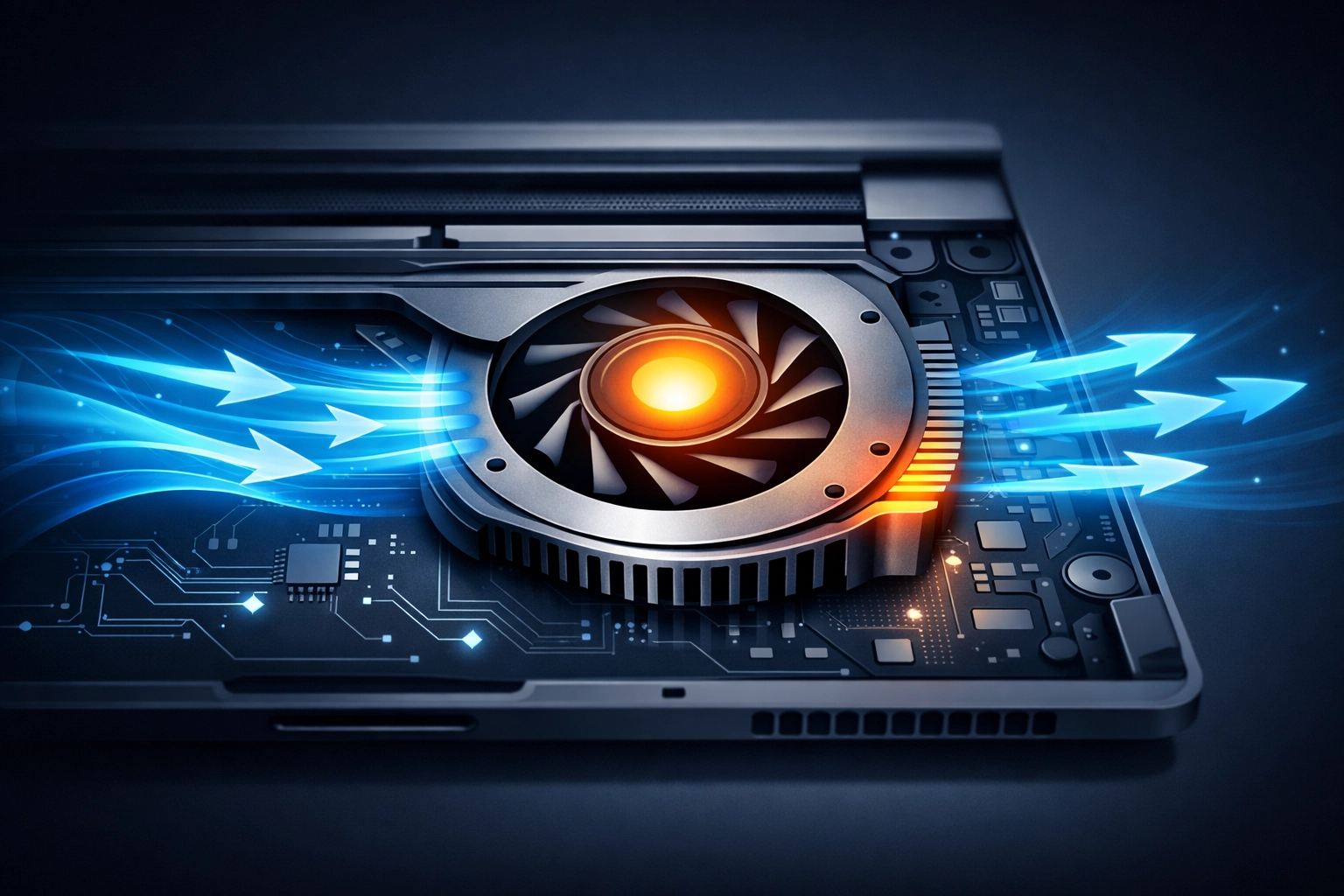
Illustration of a laptop cooling fan with blue airflow patterns to fix overheating and speed up performance.


6) Malware, adware, or “junkware” is running in the background

Just a reminder: a slow laptop can be a security issue, not just an annoyance. Adware and malware often run quietly in the background, stealing CPU, memory, and sometimes data.

Signs you might be infected:

  • Pop-ups you never used to see
  • Random toolbars
  • Searches redirecting
  • Antivirus warnings (or no antivirus at all)

Try this at home:

  • Run a full scan with a trusted security tool
  • Don’t click “cleaner” pop-ups that claim you’re infected

How we fix it fast:

  • We remove malware safely.
  • We check persistence (some threats come back after reboot).
  • For businesses, we can add layered protection and filtering.

If you’re a small business owner: ransomware isn’t a “big company” problem anymore. A sluggish PC can be your earliest warning sign.

Related services that help prevent repeat issues:

  • Managed support: https://pcsrusva.com/services/managed-services
  • Web filtering: https://pcsrusva.com/services/web-content-filtering
  • Backup & recovery: https://pcsrusva.com/services/backup-recovery

7) Your operating system and drivers are behind

Updates can be annoying, but they matter. Performance fixes and security patches often ship monthly, and outdated drivers can cause slowdowns, crashes, and weird lag.

Try this at home:

  • Windows Update: Settings → Windows Update → Check for updates
  • Update key apps (browser, Office, PDF reader)

How we fix it fast:

  • We bring your system fully up to date without breaking things.
  • We check for driver conflicts (Wi‑Fi, graphics, storage drivers are common culprits).

8) You’re stuck in power saver mode (or battery health is hurting performance)

On many laptops, “Best power efficiency” can limit performance a lot. Bad batteries can also cause throttling.

Try this at home:

  • Settings → System → Power & battery
  • Switch to Best performance (especially when plugged in)

How we fix it fast:

  • We test battery health and charging behavior.
  • We tune power settings so you get speed when you need it and battery life when you don’t.

9) Your laptop has “bloatware” and old clutter

Pre-installed software, trial antivirus suites, outdated utilities: these add up. Even if they’re not malicious, they can slow startup and chew resources.

Try this at home:

  • Settings → Apps → Installed apps
  • Remove things you don’t use (careful with anything hardware-related)

How we fix it fast:

  • We remove bloatware safely.
  • We clean up broken update helpers and unnecessary services.
  • If your system is truly tangled, we can do a clean refresh and keep your files.

If you’re looking for computer repair Midlothian VA, this is one of the most common “it used to be fast” fixes we do.


10) Your laptop is simply aging out (but you may not need a new one)

Modern apps expect modern hardware. If your laptop is older, it may be fighting an uphill battle: especially with:

  • 4GB RAM
  • HDD storage
  • an older CPU

Good news: you don’t always need to replace the laptop.

How we fix it fast (and honestly):

  • We’ll tell you if an SSD + RAM upgrade is worth it.
  • If it’s not worth it, we’ll say that too: and help you move your data cleanly to a new device.

A glowing RAM module on a computer motherboard illustrating a hardware upgrade for faster multitasking.


Home laptop help and small business IT support (we do both)

A lot of shops only do one or the other. We intentionally support both, because Richmond-area families and businesses have the same core needs: fast computers, safe data, and someone local who picks up the phone.

For home users (speed + peace of mind)

  • Virus cleanup and performance tune-ups
  • SSD and RAM upgrades
  • Wi‑Fi troubleshooting and printer issues
  • Data backup help (so you don’t lose photos and files)

Start here: https://pcsrusva.com/services/computer-repair

For small businesses (uptime + security)

If your office PCs slow down, you lose real money: missed calls, delayed invoices, sluggish point-of-sale, stuck email.

We help with:

  • Office 365 setup and support: https://pcsrusva.com/services/office-365
  • Hosted email when needed: https://pcsrusva.com/services/hosted-exchange
  • Managed IT support and patching: https://pcsrusva.com/services/managed-services
  • Backups and recovery planning: https://pcsrusva.com/services/backup-recovery

Just a reminder: if you don’t have tested backups, you don’t have backups. We can help you set them up and verify they actually restore.


Why a local Richmond-area computer shop makes this faster

When your laptop is slow, you don’t want a week of guesswork. You want someone to:

  • Diagnose the real cause (not just “run a cleaner”)
  • Explain it in plain English
  • Fix it quickly
  • Stand behind the work

PC’s-R-US is locally owned, and we try to keep everything straightforward and friendly. We also offer discounts for seniors and military: just mention it when you call or stop in.

If you’re searching for:

  • computer repair Richmond VA
  • computer repair Mechanicsville VA
  • computer repair Midlothian VA

…you’re in the right neighborhood.


A quick “do this now” checklist (before you bring it in)

If you want to try the basics safely:

  1. Restart your laptop (seriously: do it)
  2. Run Windows Update
  3. Check Storage and free space (aim for 15–20% free)
  4. Disable obvious startup apps you don’t need
  5. Close extra browser tabs and remove sketchy extensions
  6. If it’s hot: get it off fabric and make sure vents are clear

If it’s still crawling after that, it’s usually a hardware upgrade, malware cleanup, overheating service, or deeper software fix: and that’s exactly the stuff we handle every day.


Filed Under: Cloud Technologies

Share:

Small Business Security Matters: Why Your Richmond VA Computer Repair Strategy Needs a Free Assessment

March 3, 2026 by support@pcsrusva.com

Hey there, Richmond! Trey here from PC's-R-US.

If you’re running a small business in the River City: whether you’re a boutique shop in Midlothian or a growing service provider in Mechanicsville: you’ve got a lot on your plate. Between managing payroll, keeping customers happy, and trying to stay ahead of the competition, the last thing you want to worry about is a hacker halfway across the world locking up your files.

But here is the hard truth: Small businesses are the primary targets for cyberattacks in 2026.

You might think your business is "too small" to be noticed. You might think that because you only have five employees, a hacker wouldn't waste their time. In reality, it’s the exact opposite. Cybercriminals love small businesses because they often lack the enterprise-grade security that the big guys have.

Just a reminder: security isn't just about having an antivirus program anymore. It’s about having a comprehensive strategy. That’s why we’re talking about why your computer repair richmond va strategy needs to start with a free assessment.

The Reality of Local Cybersecurity in 2026

We’ve seen it happen right here in our own backyard. A local medical practice in Midlothian loses access to patient records due to ransomware. A retail shop in Mechanicsville has their customer credit card data intercepted. These aren't just headlines; these are real neighbors losing sleep and money.

The threat landscape has evolved. Ransomware is more sophisticated, and phishing attempts are harder to spot than ever. If you are relying on a "fix it when it breaks" mentality for your IT, you are leaving your front door wide open.

At PC's-R-US, we believe in being proactive. It’s a lot cheaper to prevent a fire than it is to rebuild the house. That’s why we focus on managed security that keeps the bad guys out before they can even knock.

Managed security protecting a Richmond small business office with a digital defensive shield.

Why a Free Assessment is Your Best First Step

You wouldn't buy a used car without having a mechanic look under the hood, right? A security assessment is the "under the hood" look for your business’s digital health. Many business owners in the Richmond area know they need something, but they aren't sure what.

A quality assessment identifies your vulnerabilities before a hacker does. Here’s what we look at during a typical checkup:

  1. Vulnerability Scanning: We use industry-trusted tools to scan your internal and external systems. We look for the "unlocked windows" in your network.
  2. Data Mapping: Do you know exactly where your sensitive data lives? Is it on a server in the back room, or is it floating in an unsecured cloud? We help you map out what needs the most protection.
  3. Office 365 Audit: Many businesses use Office 365 but haven't touched the security settings since they bought it. We check for misconfigurations that could lead to account takeovers.
  4. Employee Awareness: Your team is your first line of defense: but they can also be your biggest risk. We evaluate how likely your staff is to click on a malicious link.

By the end of the assessment, you get a clear roadmap. No jargon, no fluff: just a prioritized list of what needs to be fixed to keep you safe.

The "Computer Repair Richmond VA" Trap

When people search for computer repair richmond va, they are usually looking for someone to fix a blue screen or a slow laptop. While we definitely do that (and we’re the best at it!), modern business needs more than just a repairman.

If your "computer guy" only shows up when something is broken, you are missing out on the "IT Services" part of the equation. A broken computer is a nuisance; a breached network is a catastrophe.

Whether you need computer repair midlothian va or computer repair mechanicsville va, you should be looking for a partner that understands the local landscape. We are locally owned and operated. We live where you live. We shop where you shop. We care about the Richmond business community because we are a part of it.

Digital workstation monitoring health for Richmond VA computer repair and small business IT services.

Protecting Your Business from Ransomware

Ransomware is the ultimate nightmare for a small business owner. One wrong click and your entire database is encrypted. Then comes the demand: pay thousands of dollars in Bitcoin, or lose your data forever.

Our managed continuity services are designed to make sure that even if the worst happens, you can be back up and running in minutes, not days. We don't just "back up" your files; we ensure your business can continue to function.

Alert: If you haven't tested your backups in the last 30 days, you might not actually have a backup. We see this all the time: businesses think they are protected until the moment they need to restore, only to find the backup failed six months ago.

Why Choose PC's-R-US?

We know you have choices when it comes to IT support. But here’s why our clients stay with us:

  • Casual and Friendly Tone: We don't talk down to you. We explain things in plain English.
  • Local Ownership: When you call us, you aren't getting a call center in another country. You’re getting a local expert who knows the 804.
  • Special Discounts: We are proud to offer discounts for seniors and military members. It’s our way of saying thank you to those who have served our country and our community.
  • Tailored Solutions: We don't believe in one-size-fits-all IT. A law firm in downtown Richmond has different needs than a landscaping company in Midlothian.

Tailored IT support icons for security and repair services serving Richmond area businesses.

The Managed Workstation Advantage

Security isn't a "one and done" task. It’s an ongoing process. Our managed workstation service means we are constantly monitoring your systems for threats. We handle the updates, the patches, and the security logs so you don't have to.

Think of it like a security guard for your computers. While you’re sleeping or focusing on your customers, we’re watching the perimeter. If a new virus starts making the rounds in the Mechanicsville area, we ensure your systems are patched before it can reach you.

Taking Action Today

The current date is March 3, 2026. If you haven't had a professional look at your security posture this year, you are overdue. The "it won't happen to me" strategy is not a strategy: it’s a gamble.

What should you do right now?

  1. Check your passwords: Ensure everyone in your office is using Multi-Factor Authentication (MFA). It’s the single most effective way to prevent account hacks.
  2. Review your emails: Be extra cautious with any email asking for urgent wire transfers or "password resets."
  3. Schedule your assessment: Don't wait for a crisis.

We invite you to reach out to us for a free, no-obligation security assessment. We’ll sit down, look at your current setup, and tell you exactly where you stand. No pressure, no sales pitch: just honest advice from a local partner.

You can contact us here to get started or read more about what our clients have to say on our testimonials page.

Whether you're looking for computer repair richmond va, help with your managed email, or you just need someone to take the IT headache off your plate, PC's-R-US is here for you.

Keep your data safe, Richmond. We’ve got your back.

( Trey
Co-Owner, PC's-R-US)

Filed Under: Cloud Technologies

Share:

7 Mistakes You’re Making with Your Home PC (And Why You Need Computer Repair in Richmond VA to Fix Them)

February 26, 2026 by support@pcsrusva.com

Hey there, Richmond! Trey here from PC’s-R-US. If you’re reading this, you probably rely on your computer for just about everything: working from home in Midlothian, checking the news in Mechanicsville, or maybe just keeping up with the grandkids on Facebook.

We love our gadgets, but let’s be honest: most of us aren't exactly "tech experts." In fact, some of the things you might be doing to "help" your computer could actually be sending it to an early grave. I’ve seen it all at our shop, from fried motherboards to screens that look like they’ve been cleaned with sandpaper.

Taking care of your tech doesn't have to be a full-time job, but avoiding a few common pitfalls can save you hundreds of dollars in repairs. If you’ve already made one of these blunders, don’t panic. We specialize in computer repair in Richmond VA, and we’re here to get you back up and running.

Here are the seven most common mistakes we see home users making and how you can avoid them.

1. Cleaning Your Computer While It’s Still Powered On

It’s a Saturday morning, the sun is hitting your desk just right, and you suddenly realize your PC is covered in a layer of Richmond dust. Your first instinct is to grab a cloth and start wiping. Stop right there.

Operating on a powered-up computer is one of the most dangerous things you can do for your hardware. When your PC is on, electricity is flowing through every component: the RAM, the SSD, and especially the motherboard. If you’re cleaning and accidentally bridge a connection or if a tiny drop of moisture hits a live circuit, you’ve just created a short circuit.

A short circuit can fry your components instantly. Before you even think about cleaning, shut the computer down completely and unplug it from the wall. It only takes ten seconds, but it could save your entire system.

2. Ignoring the "Silent Killer": Static Electricity

You might remember playing with static electricity as a kid: rubbing your socks on the carpet and then poking your sibling. It’s a harmless prank between humans, but for a computer, it’s a death sentence.

Even a tiny static discharge that you can’t even feel is enough to permanently damage the delicate internal parts of your PC. This is especially true during our dry Virginia winters. If you open up your computer case to "blow out the dust" while standing on a rug, you are essentially a walking lightning bolt.

How to avoid it: Always ground yourself before touching anything inside the case. You can do this by touching a metal part of the computer frame while it’s plugged in (but turned off) or by using an anti-static wrist strap. Better yet, if you aren't comfortable under the hood, bring it to us for a professional computer repair in Midlothian VA. We have all the proper grounding equipment to keep your data safe.

Static electricity sparks touching a PC motherboard, showing risks that require computer repair in Midlothian VA.

3. The "Upside Down" Compressed Air Mistake

We’ve all seen those cans of compressed air at the store. They seem simple enough, right? Point and spray. But there is a very specific way to use them, and doing it wrong can actually spray liquid refrigerant onto your sensitive electronics.

If you tilt the can too far or: heaven forbid: hold it upside down, it releases a freezing liquid instead of air. This liquid causes rapid temperature changes that can crack components or leave behind moisture that leads to a short circuit.

Pro-tip: Hold the canister upright at all times. Use short, half-second bursts rather than one long blast. If the can starts to feel freezing cold in your hand, stop and let it warm up for a few minutes. If you’ve already "frozen" your motherboard, give us a call at PC's-R-US. We can assess the damage and see if it's salvageable.

4. Using Harsh Chemicals (The Windex Trap)

I can’t tell you how many times a client has brought in a laptop with a "cloudy" or "streaky" screen only for me to find out they’ve been using Windex or Clorox wipes on it.

Most modern monitors and laptop screens have special anti-glare coatings. Harsh chemicals like ammonia or alcohol can eat right through these coatings, leaving your screen looking blotchy or even making it brittle over time. Furthermore, if you spray the liquid directly onto the screen, it can run down into the bezel and fry the display controller at the bottom.

The Fix: Use a dry microfiber cloth first. If the smudge is stubborn, slightly dampen the cloth with a 50/50 mix of distilled water and white vinegar. Never spray anything directly onto the screen.

5. Buying a "Bargain Bin" Power Supply

If you’re building your own PC or trying to save a few bucks on a replacement part, the Power Supply Unit (PSU) is the last place you should skimp. A cheap, off-brand power supply is quite literally a fire hazard.

Think of the PSU as the heart of your computer. It pumps "blood" (electricity) to every other part. A high-quality PSU has protections built-in to handle surges. A cheap one? If it fails, it often takes the motherboard, the CPU, and your hard drive down with it.

If your computer is making a clicking sound or smelling like burnt plastic, shut it down immediately. This is a job for the pros. We provide expert computer repair in Mechanicsville VA, and we only use high-quality, certified parts that won't turn your home office into a campfire.

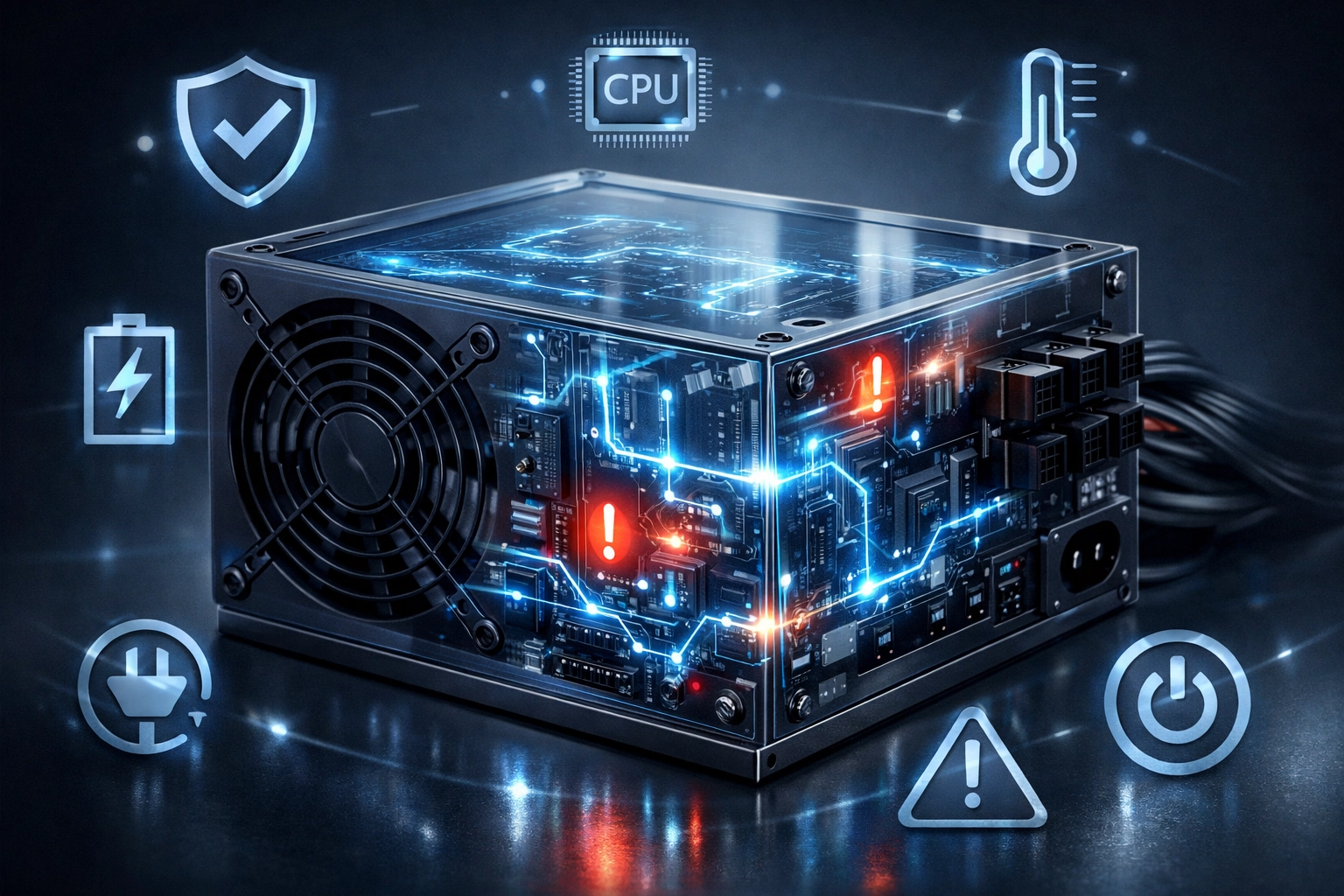
Glowing PC power supply unit with energy lines, representing reliable computer repair in Mechanicsville VA.

6. Forgetting That Richmond Is Humid

We love our Virginia summers, but the humidity can be brutal on electronics. Computers thrive in cool, dry environments. High humidity can cause moisture to condense inside your computer case, leading to slow corrosion of the metal parts and circuits.

Conversely, if you run the heat all winter and the air gets too dry, you run back into that static electricity problem we talked about earlier.

The Solution: Try to keep your computer in a room with a stable temperature and humidity level. If you keep your PC in a damp basement or a garage, you’re asking for trouble. If you notice your fans are running louder than usual, it might be because the humidity has caused dust to "clump" inside your vents, choking your system.

7. Using the Wrong Tools for the Job

I’ve seen people try to clean their keyboards with toothpicks, scrub their motherboards with old toothbrushes, and wipe their screens with paper towels.

Paper towels are made of wood pulp; they are essentially very fine sandpaper. They will leave micro-scratches on your beautiful display. Toothpicks can snap off inside ports. And standard brushes can generate: you guessed it: static electricity.

What to use instead:

  • Microfiber cloths: For screens and surfaces.
  • Soft, anti-static brushes: For getting dust out of crevices.
  • Compressed air: For blowing out fans.
  • 70% Isopropyl alcohol (sparingly): Only for cleaning non-sensitive plastic surfaces or cleaning old thermal paste off a CPU.

Professional PC cleaning tools and maintenance equipment for quality computer repair in Richmond VA.

Why Local Professional Help Matters

Look, we get it. DIY is tempting. But your computer holds your family photos, your tax returns, and your connection to the world. When a "simple clean" turns into a "it won't turn on anymore," you need a team you can trust.

At PC's-R-US, we aren't some giant corporate chain. We’re locally owned and operated right here in Virginia. When you call us, you’re talking to neighbors. We take pride in offering a friendly brand tone and expert service that the big-box stores just can’t match.

We also believe in giving back to those who served and our seniors. That’s why we offer special discounts for Military and Seniors. Whether you need a simple tune-up or a major managed service overhaul, we’ve got your back.

Our Services Include:

  • General Computer Repair: From broken hinges to blue screens.
  • Virus and Malware Removal: Keeping your data safe from prying eyes.
  • Data Backup & Recovery: Because losing those 2015 vacation photos is not an option. Check out our backup and recovery services.
  • Small Business IT Support: If you’re running a business in Richmond, we can handle your Office 365 migration and security assessments.

Don't Wait Until It's Too Late

If your computer is acting sluggish, making weird noises, or if you’ve realized you might have made one of the mistakes listed above, don’t wait for it to crash completely. Usually, a quick "check-up" can catch a failing part before it destroys your data.

Stop by and see why your neighbors in Richmond, Midlothian, and Mechanicsville trust us with their tech. Check out our testimonials to see how we've helped others in the community!

Ready to get your PC running like new?
Contact PC's-R-US today and let Trey and the team take the stress out of your tech!

Filed Under: Cloud Technologies

Share:

7 Signs You Need Computer Repair in Richmond VA (And How to Fix Them)

February 24, 2026 by support@pcsrusva.com

Your computer is acting weird. Maybe it's making strange noises, or it's moving slower than rush hour traffic on I-64. Whatever the issue, you're wondering: is this something I can fix myself, or do I need professional computer repair in Richmond VA?

As a locally-owned computer repair shop serving Richmond, Midlothian, and Mechanicsville for years, we've seen it all. Let's walk through the seven most common signs that your computer needs help: and what you can do about them.

1. Your Computer is Hotter Than a Richmond Summer

If your laptop or desktop is running hot enough to fry an egg, you've got a problem. Overheating is one of the most common issues we see, and it's not something you should ignore.

What causes it: Dust buildup inside your computer, failing fans, or thermal paste that's dried out. Your computer has ventilation systems designed to keep it cool, but after months or years of use, dust accumulates and blocks airflow.

How to fix it: You can try using compressed air to blow out dust from the vents (do this outside). But if your computer is still overheating, you need a professional to open it up and do a thorough cleaning. We've saved countless computers from permanent damage with a good internal cleaning.

When to call us: If your computer shuts down unexpectedly, feels extremely hot to the touch, or if you hear the fans running constantly at full speed, bring it in. Continued overheating can permanently damage your motherboard and other components.

Overheating computer with dust buildup on internal components requiring repair in Richmond VA

2. The Blue Screen of Death Keeps Visiting

You're working on something important, and suddenly: BOOM: your screen turns blue with cryptic error messages. Welcome to the infamous Blue Screen of Death (BSOD).

What causes it: Blue screens happen when Windows encounters a critical error it can't recover from. This could be faulty hardware, corrupted system files, outdated drivers, or incompatible software.

How to fix it: Write down the error code displayed on the blue screen. Sometimes a simple driver update or Windows update can fix it. But if you're getting blue screens regularly, something deeper is wrong.

When to call us: If you can't boot into Windows normally, if blue screens happen more than once a week, or if you're not comfortable troubleshooting system files, that's where professional computer repair in Midlothian VA comes in. We have diagnostic tools that can pinpoint exactly what's causing the crashes.

3. Your Computer Won't Turn On (Or Keeps Shutting Off)

You press the power button and… nothing. Or maybe it turns on for a few seconds, then shuts right back off. Either way, you're not getting any work done.

What causes it: Power supply failure is the most common culprit. It could also be a dead motherboard, faulty RAM, or even something as simple as a loose cable inside.

How to fix it: First, check the obvious stuff: is it plugged in? Is the power strip working? Try a different outlet. If that doesn't help, you're probably looking at internal hardware issues.

When to call us: Power issues require opening up your computer and testing components. Unless you're comfortable working with internal hardware, this is definitely a job for professional computer repair in Mechanicsville VA or wherever you're located in the Richmond area. We can diagnose power problems quickly and get you back up and running.

Windows Blue Screen of Death error requiring professional computer repair diagnosis

4. Startup Takes Forever

Remember when your computer used to boot up in under a minute? Now you have time to make coffee, check your phone, and do a load of laundry before Windows finally loads.

What causes it: Too many programs set to launch at startup, a fragmented or failing hard drive, malware running in the background, or an outdated operating system.

How to fix it: Press Ctrl+Shift+Esc to open Task Manager, then click on the Startup tab. Disable programs you don't need launching automatically. If you're still using a traditional hard drive (not an SSD), upgrading to a solid-state drive can make a massive difference.

When to call us: If your startup time doesn't improve after disabling unnecessary programs, or if you're hearing clicking noises from your hard drive during startup, bring it in. A failing hard drive needs to be replaced before it dies completely and you lose everything.

5. Pop-ups, Slowdowns, and Suspicious Behavior

Your computer is suddenly crawling, you're getting bombarded with pop-up ads, your homepage changed without your permission, or programs are opening on their own. You've likely got malware or a virus.

What causes it: Clicking on suspicious email attachments, downloading software from sketchy websites, or simply having outdated security software. Malware and viruses are constantly evolving, and they're getting more sophisticated.

How to fix it: Run a full scan with your antivirus software. If you don't have one, Windows Defender is built into Windows 10 and 11. You can also try Malwarebytes for a second opinion.

When to call us: If malware keeps coming back, if your antivirus software won't run, or if you're dealing with ransomware that's locked your files, you need professional help immediately. We specialize in virus and malware removal, and we can also set you up with better security to prevent future infections.

Computer power supply unit with failing components needing replacement and repair

6. Cracked Screen or Display Issues

You dropped your laptop, and now there's a lovely spider web pattern across the screen. Or maybe your desktop monitor is flickering, showing weird colors, or has dead pixels spreading like a disease.

What causes it: Physical damage for laptops, or failing display components for desktop monitors. Sometimes it's the screen itself, other times it's the graphics card or connection cable.

How to fix it: For external monitors, try a different cable or port. If you're handy and have a desktop, you might try reseating the graphics card. For laptop screens, replacement is typically the only option.

When to call us: Screen replacement requires precision and the right tools. One wrong move and you can cause more damage. We replace laptop screens and can diagnose whether your desktop display issue is the monitor or the graphics card. Plus, we can usually get you back up and running faster than ordering parts yourself and attempting a DIY repair.

7. Beeping, Clicking, or Other Alarming Noises

Your computer sounds like it's trying to communicate in Morse code, or worse: it's making grinding or clicking sounds that definitely weren't there before.

What causes it: Beeping at startup usually indicates a hardware problem detected by your computer's BIOS (the basic system that checks hardware before loading Windows). Different beep patterns mean different things. Clicking or grinding noises often mean a failing hard drive.

How to fix it: Don't ignore these sounds. Beeping patterns can be decoded if you know your computer's manufacturer: Google "[your computer brand] beep codes" for specifics. Clicking from a hard drive means it's dying, and you need to back up your data immediately.

When to call us: Hardware diagnostic beeps require specialized knowledge to interpret and fix. If you're hearing clicking from your hard drive, shut down your computer and bring it to us ASAP. We can often recover your data even from failing drives, but every minute it runs increases the risk of total data loss.

Damaged laptop with cracked screen requiring professional screen replacement service

Why Choose Local Computer Repair in Richmond?

Here's the thing: you could ship your computer off to some big-box store or mail-in service, wait weeks, and pay premium prices. Or you could bring it to a locally-owned computer repair shop right here in Richmond.

At PC's-R-US, we're not some corporate chain. We're your neighbors. We've been serving Richmond, Midlothian, and Mechanicsville residents for years because we actually care about getting your computer fixed right the first time.

We offer:

  • Quick turnaround times (often same-day or next-day service)
  • Transparent pricing (no hidden fees or surprise charges)
  • Senior and military discounts (because we appreciate your service and experience)
  • On-site service available (we can come to you)
  • Experience with both home computers and business IT systems

Whether you need basic computer repair in Richmond VA or complex business IT support like Office 365 setup or ransomware recovery, we've got you covered.

When Should You DIY vs. Call the Pros?

Look, we get it. Money is tight, and you want to save a buck where you can. Here's our honest take:

DIY-friendly issues: External cleaning, software updates, adding more RAM (if you're somewhat tech-savvy), running antivirus scans, reinstalling Windows (if you have backups).

Call the pros for: Anything involving opening your laptop, power supply issues, data recovery, persistent malware, hardware diagnostics, or if you're just not comfortable messing with your computer.

The average computer repair in Richmond VA costs around $60 per hour: much less than buying a new computer because a DIY repair went wrong. We've seen too many computers that came to us in worse shape after someone tried to fix it themselves based on a YouTube video.

Don't Wait Until It's Too Late

Computer problems don't fix themselves, and they usually get worse over time. That little clicking noise? It could turn into a dead hard drive and lost family photos. That occasional blue screen? It could become a computer that won't boot at all.

If you're experiencing any of these seven signs, don't wait. Whether you're in Richmond, Midlothian, Mechanicsville, or anywhere in the greater Richmond area, we're here to help.

Get in touch with us today for a free diagnostic assessment. We'll figure out exactly what's wrong, give you honest recommendations, and get your computer running like new again. And remember: we offer special discounts for seniors and military members because that's just how we roll.

Your computer is too important to leave broken. Let's fix it together.

Filed Under: Cloud Technologies

Share:

  • « Previous Page
  • 1
  • 2
  • 3
  • Next Page »

Testimonials

  • Cedric was so great. He went out of his way to meet me at convenient locations, and was able to install a new hard drive and reset my BIOS quickly. He is also really nice and very knowledgeable. Read More
    Ryan M.
  • Cedric is very professional and knowledgeable. He explains thoroughly what is going on with your computer and provide a solution to the problem. His prices is very reasonable. I would recommend him to friends. Read More
    Tomeka S.
  • It was Nice, economy and best expeience Read More
    Krishna P.
  • "Fast and friendly service! I would definitely recommend to friends and family!! Read More
    Tawana B.
  • PC's-R-US was wonderful; I would hire them again in a second. They wouldn't leave til the job until it was perfect - I thought service like that was gone forever. Thank you! Read More
    Matthew M.
  • "Quick turnaround and outstanding service - I was working with Cedric Dorsey to repair my laptop and he was very knowledgeable about windows products and also provided few tips to use the products and fix my install parts in less than 30 mins - so quick... overall awesome experience and would definitely recommend ..!" Read More
    Alx P.
  • "Cedric was amazing and I am soooo glad I did not go with Geek Squad! Service was immediate, efficient and he went over and beyond to save me a bundle re dovetailing usable parts of two different PCs that I had. Best of all, Cedric kept me from having to make the dreaded call to... Read More
    Melanie B.

Newsletter

Download our IT Checkup Checklist to see how well you are protected
* denotes a required field

This list has a privacy policy.

Services

  • Access Control
  • Computer Repair
  • Web & Content Filtering
  • Office 365
  • Backup & Recovery
  • Managed Services
  • Hosted Exchange

FOLLOW US

Remote Support

Remote Support in Richmond Virginia

Remote Support

Copyright © 2026 · PC's-R-US · 7400 Beaufont Springs Drive Suite 300, Richmond, VA 23225