
Just a reminder: Windows and app updates keep rolling out every month, and so do new browser add-ons, security patches, and background services. That’s great for safety: but it also means older (and even not-so-old) laptops can start feeling like they’re moving through mud.
If you’re in Richmond, Midlothian, or Mechanicsville, you’ve got options. At PC’s-R-US, we see the same slowdown patterns daily, and we fix them fast: either for your home laptop or your small business fleet.
Below are the 10 most common reasons your laptop is crawling, what you can safely try at home, and what a local shop like ours does to get you back to normal speed.
1) You don’t have enough RAM for how you use your laptop
If your laptop struggles when you have “just a few things open” (Chrome tabs, email, Word, Zoom), you’re probably running out of memory. When that happens, your system starts using the drive as “extra memory,” and that’s painfully slow: especially on older drives.
Try this at home (2 minutes):
- Open Task Manager (Windows:
Ctrl + Shift + Esc) - Click Performance
- Check Memory
- If you’re regularly above 80%, you’re feeling the squeeze
How we fix it fast:
- We’ll confirm your laptop supports an upgrade and install the right RAM.
- We’ll also check for programs that are hogging memory for no good reason.
If you’re searching for computer repair Richmond VA because everything “just takes forever,” RAM is often the quickest win.
2) Your hard drive is nearly full (or it’s the wrong type of drive)
Laptops need breathing room. If your drive is over 80–90% full, your system slows down because it has nowhere to put temporary files and updates.
Also: if you’re still on a traditional spinning hard drive (HDD), that’s one of the biggest performance bottlenecks today.
Try this at home:
- Settings → System → Storage
- Delete large items you don’t need (old downloads, duplicate videos, etc.)
- Uninstall apps you never use
How we fix it fast:
- We clean up storage safely (without deleting stuff you need).
- If you’re on an HDD, we recommend an SSD upgrade. It’s the #1 “feels like a new computer” improvement for many laptops.

3) Too many programs start automatically
Lots of apps quietly add themselves to startup. That means your laptop is trying to load ten things before you’ve even opened what you actually want.
Try this at home:
- Task Manager → Startup apps
- Disable anything you don’t recognize or don’t need immediately (Spotify, chat apps, update helpers)
How we fix it fast:
- We audit startup items, remove junk safely, and confirm nothing suspicious is hiding there.
- Bonus: we reduce “background noise” so your laptop stays faster long-term.
4) Your browser is overloaded (tabs + extensions)
If your “slow laptop” is really “slow Chrome/Edge,” you’re not alone. Too many tabs and extensions can chew up RAM fast.
Try this at home:
- Close tabs you’re not using
- Remove extensions you don’t trust or don’t need
- Clear browser cache (not passwords: just cached files)
How we fix it fast:
- We check for shady extensions and browser hijacks.
- We tune the browser for speed and stability.
For small businesses, this matters even more: browser-based tools like QuickBooks Online, CRMs, and Office apps live in the browser now.
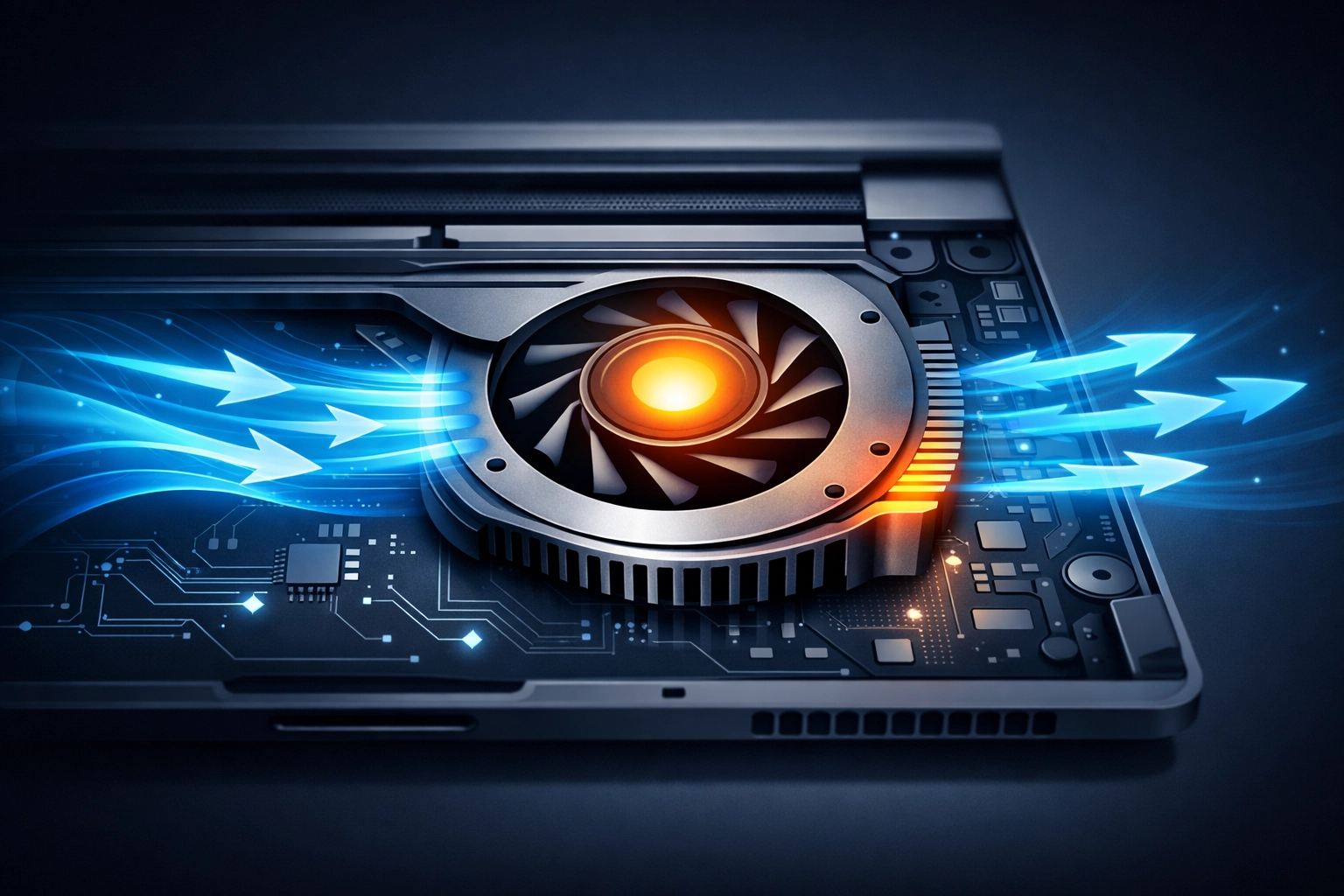
5) Your laptop is overheating and “throttling” itself
When your laptop gets too hot, it protects itself by slowing down. That slowdown can feel random: it’s fast for 5 minutes, then suddenly crawls.
Common causes:
- Dust-clogged vents
- A failing fan
- Dried-out thermal paste (older units)
Try this at home:
- Make sure vents aren’t blocked (blanket/couch use is a big culprit)
- Use a hard surface
- If the fan is screaming constantly, that’s a clue
How we fix it fast:
- We clean internal dust buildup properly.
- We check fan health and airflow.
- If needed, we service cooling components so performance stays consistent.
6) Malware, adware, or “junkware” is running in the background
Just a reminder: a slow laptop can be a security issue, not just an annoyance. Adware and malware often run quietly in the background, stealing CPU, memory, and sometimes data.
Signs you might be infected:
- Pop-ups you never used to see
- Random toolbars
- Searches redirecting
- Antivirus warnings (or no antivirus at all)
Try this at home:
- Run a full scan with a trusted security tool
- Don’t click “cleaner” pop-ups that claim you’re infected
How we fix it fast:
- We remove malware safely.
- We check persistence (some threats come back after reboot).
- For businesses, we can add layered protection and filtering.
If you’re a small business owner: ransomware isn’t a “big company” problem anymore. A sluggish PC can be your earliest warning sign.
Related services that help prevent repeat issues:
- Managed support: https://pcsrusva.com/services/managed-services
- Web filtering: https://pcsrusva.com/services/web-content-filtering
- Backup & recovery: https://pcsrusva.com/services/backup-recovery
7) Your operating system and drivers are behind
Updates can be annoying, but they matter. Performance fixes and security patches often ship monthly, and outdated drivers can cause slowdowns, crashes, and weird lag.
Try this at home:
- Windows Update: Settings → Windows Update → Check for updates
- Update key apps (browser, Office, PDF reader)
How we fix it fast:
- We bring your system fully up to date without breaking things.
- We check for driver conflicts (Wi‑Fi, graphics, storage drivers are common culprits).
8) You’re stuck in power saver mode (or battery health is hurting performance)
On many laptops, “Best power efficiency” can limit performance a lot. Bad batteries can also cause throttling.
Try this at home:
- Settings → System → Power & battery
- Switch to Best performance (especially when plugged in)
How we fix it fast:
- We test battery health and charging behavior.
- We tune power settings so you get speed when you need it and battery life when you don’t.
9) Your laptop has “bloatware” and old clutter
Pre-installed software, trial antivirus suites, outdated utilities: these add up. Even if they’re not malicious, they can slow startup and chew resources.
Try this at home:
- Settings → Apps → Installed apps
- Remove things you don’t use (careful with anything hardware-related)
How we fix it fast:
- We remove bloatware safely.
- We clean up broken update helpers and unnecessary services.
- If your system is truly tangled, we can do a clean refresh and keep your files.
If you’re looking for computer repair Midlothian VA, this is one of the most common “it used to be fast” fixes we do.
10) Your laptop is simply aging out (but you may not need a new one)
Modern apps expect modern hardware. If your laptop is older, it may be fighting an uphill battle: especially with:
- 4GB RAM
- HDD storage
- an older CPU
Good news: you don’t always need to replace the laptop.
How we fix it fast (and honestly):
- We’ll tell you if an SSD + RAM upgrade is worth it.
- If it’s not worth it, we’ll say that too: and help you move your data cleanly to a new device.

Home laptop help and small business IT support (we do both)
A lot of shops only do one or the other. We intentionally support both, because Richmond-area families and businesses have the same core needs: fast computers, safe data, and someone local who picks up the phone.
For home users (speed + peace of mind)
- Virus cleanup and performance tune-ups
- SSD and RAM upgrades
- Wi‑Fi troubleshooting and printer issues
- Data backup help (so you don’t lose photos and files)
Start here: https://pcsrusva.com/services/computer-repair
For small businesses (uptime + security)
If your office PCs slow down, you lose real money: missed calls, delayed invoices, sluggish point-of-sale, stuck email.
We help with:
- Office 365 setup and support: https://pcsrusva.com/services/office-365
- Hosted email when needed: https://pcsrusva.com/services/hosted-exchange
- Managed IT support and patching: https://pcsrusva.com/services/managed-services
- Backups and recovery planning: https://pcsrusva.com/services/backup-recovery
Just a reminder: if you don’t have tested backups, you don’t have backups. We can help you set them up and verify they actually restore.
Why a local Richmond-area computer shop makes this faster
When your laptop is slow, you don’t want a week of guesswork. You want someone to:
- Diagnose the real cause (not just “run a cleaner”)
- Explain it in plain English
- Fix it quickly
- Stand behind the work
PC’s-R-US is locally owned, and we try to keep everything straightforward and friendly. We also offer discounts for seniors and military: just mention it when you call or stop in.
If you’re searching for:
- computer repair Richmond VA
- computer repair Mechanicsville VA
- computer repair Midlothian VA
…you’re in the right neighborhood.
A quick “do this now” checklist (before you bring it in)
If you want to try the basics safely:
- Restart your laptop (seriously: do it)
- Run Windows Update
- Check Storage and free space (aim for 15–20% free)
- Disable obvious startup apps you don’t need
- Close extra browser tabs and remove sketchy extensions
- If it’s hot: get it off fabric and make sure vents are clear
If it’s still crawling after that, it’s usually a hardware upgrade, malware cleanup, overheating service, or deeper software fix: and that’s exactly the stuff we handle every day.