Your computer is acting weird. Maybe it's making strange noises, or it's moving slower than rush hour traffic on I-64. Whatever the issue, you're wondering: is this something I can fix myself, or do I need professional computer repair in Richmond VA?
As a locally-owned computer repair shop serving Richmond, Midlothian, and Mechanicsville for years, we've seen it all. Let's walk through the seven most common signs that your computer needs help: and what you can do about them.
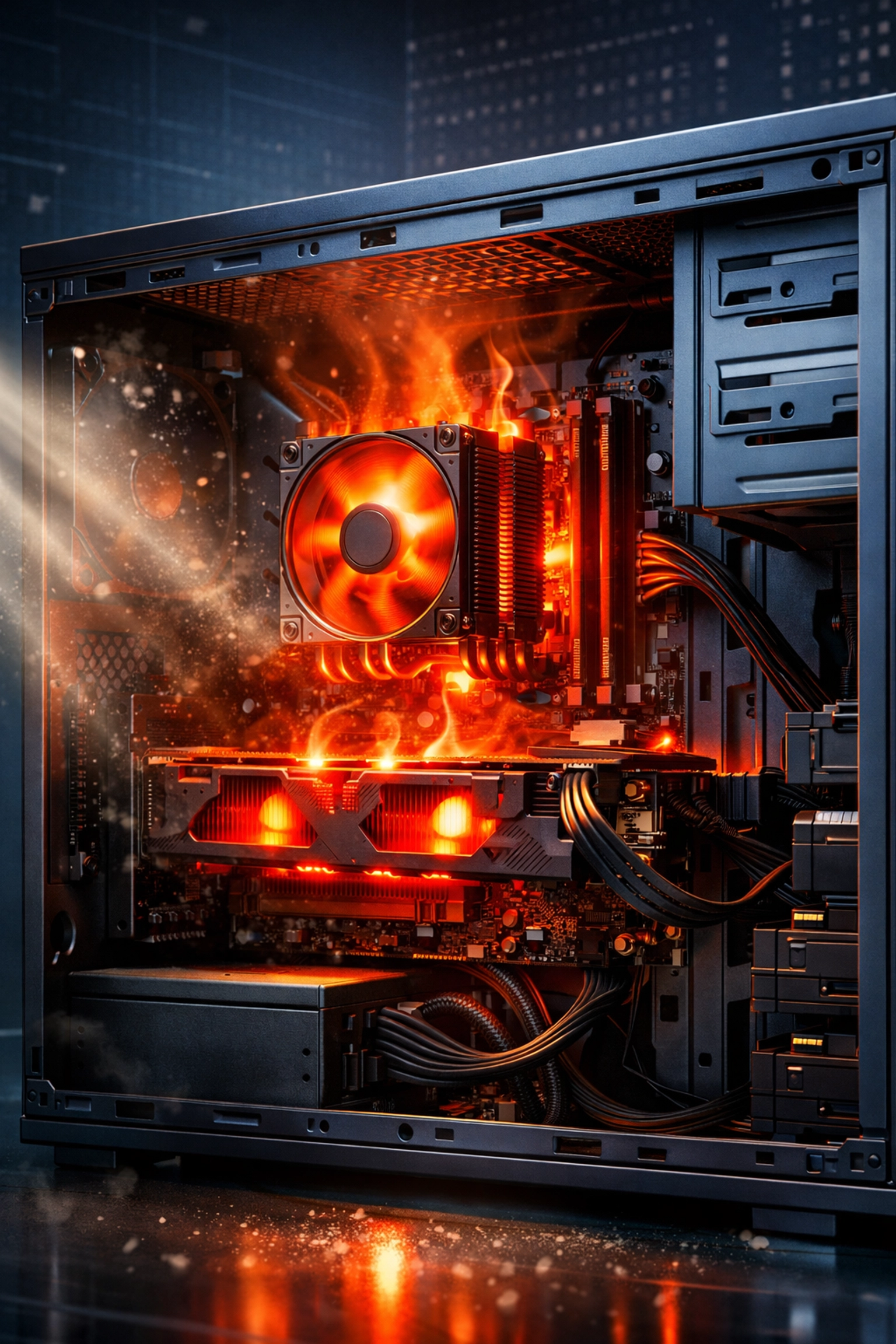
1. Your Computer is Hotter Than a Richmond Summer
If your laptop or desktop is running hot enough to fry an egg, you've got a problem. Overheating is one of the most common issues we see, and it's not something you should ignore.
What causes it: Dust buildup inside your computer, failing fans, or thermal paste that's dried out. Your computer has ventilation systems designed to keep it cool, but after months or years of use, dust accumulates and blocks airflow.
How to fix it: You can try using compressed air to blow out dust from the vents (do this outside). But if your computer is still overheating, you need a professional to open it up and do a thorough cleaning. We've saved countless computers from permanent damage with a good internal cleaning.
When to call us: If your computer shuts down unexpectedly, feels extremely hot to the touch, or if you hear the fans running constantly at full speed, bring it in. Continued overheating can permanently damage your motherboard and other components.
2. The Blue Screen of Death Keeps Visiting
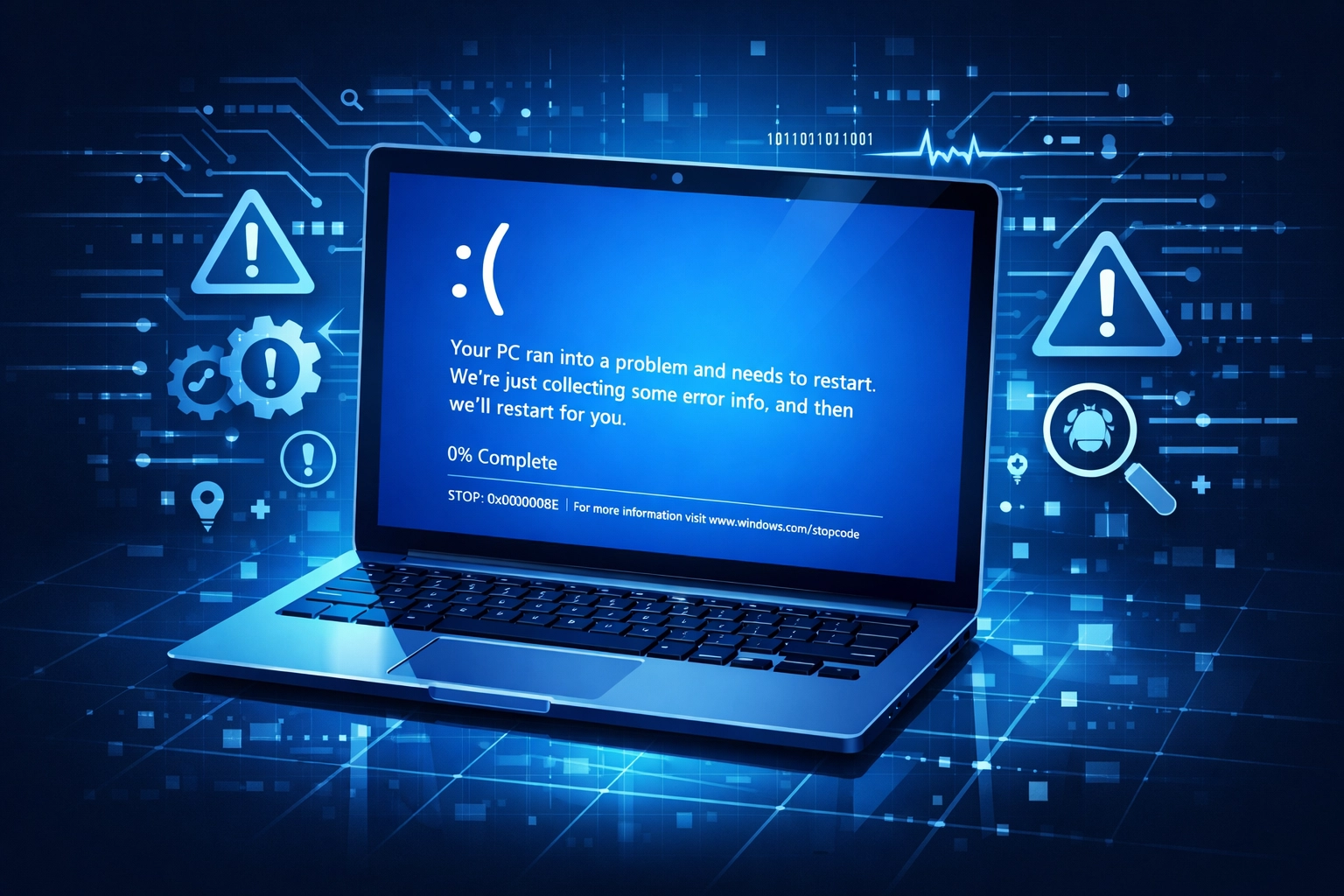
You're working on something important, and suddenly: BOOM: your screen turns blue with cryptic error messages. Welcome to the infamous Blue Screen of Death (BSOD).
What causes it: Blue screens happen when Windows encounters a critical error it can't recover from. This could be faulty hardware, corrupted system files, outdated drivers, or incompatible software.
How to fix it: Write down the error code displayed on the blue screen. Sometimes a simple driver update or Windows update can fix it. But if you're getting blue screens regularly, something deeper is wrong.
When to call us: If you can't boot into Windows normally, if blue screens happen more than once a week, or if you're not comfortable troubleshooting system files, that's where professional computer repair in Midlothian VA comes in. We have diagnostic tools that can pinpoint exactly what's causing the crashes.
3. Your Computer Won't Turn On (Or Keeps Shutting Off)
You press the power button and… nothing. Or maybe it turns on for a few seconds, then shuts right back off. Either way, you're not getting any work done.
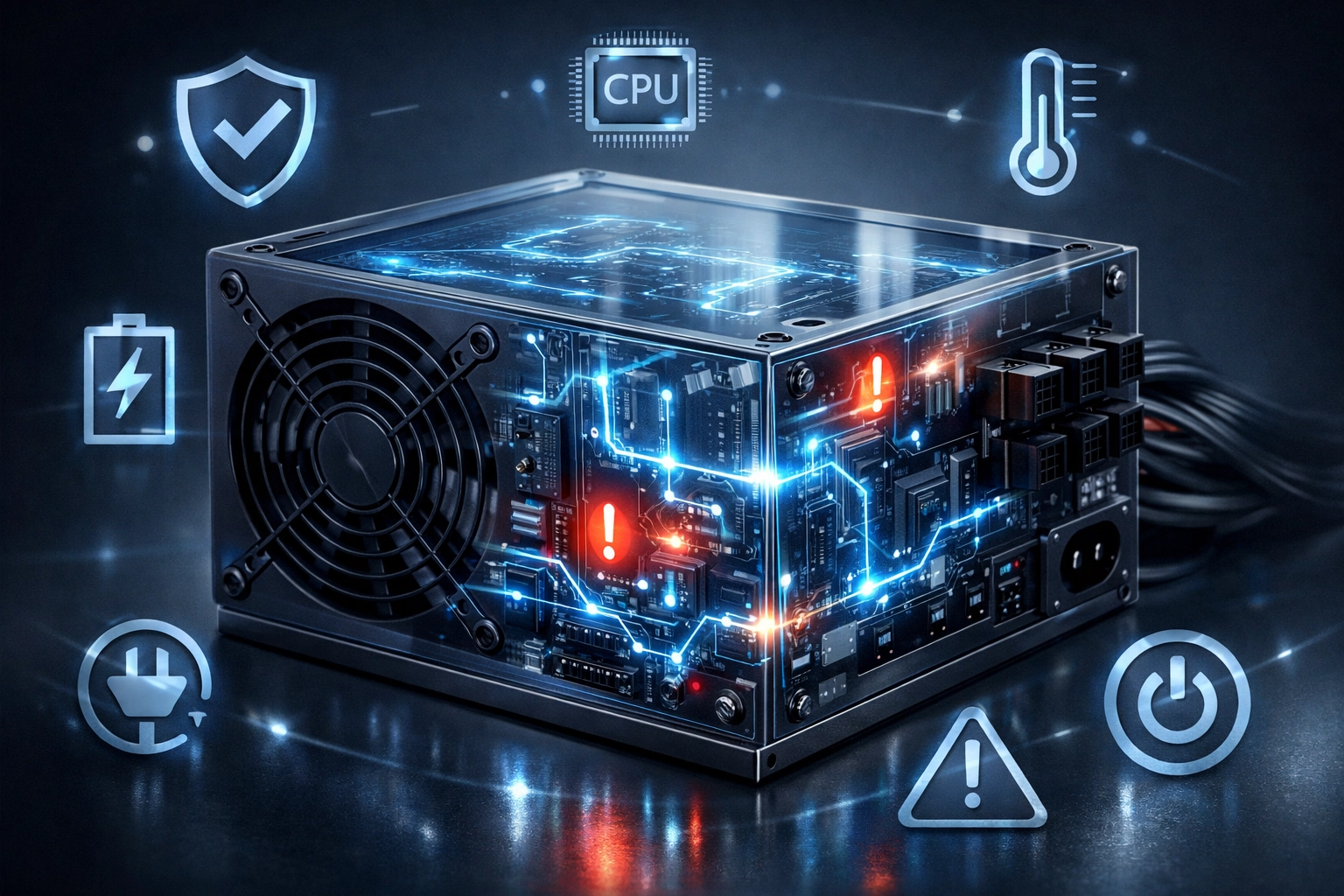
What causes it: Power supply failure is the most common culprit. It could also be a dead motherboard, faulty RAM, or even something as simple as a loose cable inside.
How to fix it: First, check the obvious stuff: is it plugged in? Is the power strip working? Try a different outlet. If that doesn't help, you're probably looking at internal hardware issues.
When to call us: Power issues require opening up your computer and testing components. Unless you're comfortable working with internal hardware, this is definitely a job for professional computer repair in Mechanicsville VA or wherever you're located in the Richmond area. We can diagnose power problems quickly and get you back up and running.
4. Startup Takes Forever
Remember when your computer used to boot up in under a minute? Now you have time to make coffee, check your phone, and do a load of laundry before Windows finally loads.
What causes it: Too many programs set to launch at startup, a fragmented or failing hard drive, malware running in the background, or an outdated operating system.
How to fix it: Press Ctrl+Shift+Esc to open Task Manager, then click on the Startup tab. Disable programs you don't need launching automatically. If you're still using a traditional hard drive (not an SSD), upgrading to a solid-state drive can make a massive difference.
When to call us: If your startup time doesn't improve after disabling unnecessary programs, or if you're hearing clicking noises from your hard drive during startup, bring it in. A failing hard drive needs to be replaced before it dies completely and you lose everything.
5. Pop-ups, Slowdowns, and Suspicious Behavior
Your computer is suddenly crawling, you're getting bombarded with pop-up ads, your homepage changed without your permission, or programs are opening on their own. You've likely got malware or a virus.
What causes it: Clicking on suspicious email attachments, downloading software from sketchy websites, or simply having outdated security software. Malware and viruses are constantly evolving, and they're getting more sophisticated.
How to fix it: Run a full scan with your antivirus software. If you don't have one, Windows Defender is built into Windows 10 and 11. You can also try Malwarebytes for a second opinion.
When to call us: If malware keeps coming back, if your antivirus software won't run, or if you're dealing with ransomware that's locked your files, you need professional help immediately. We specialize in virus and malware removal, and we can also set you up with better security to prevent future infections.
6. Cracked Screen or Display Issues
You dropped your laptop, and now there's a lovely spider web pattern across the screen. Or maybe your desktop monitor is flickering, showing weird colors, or has dead pixels spreading like a disease.
What causes it: Physical damage for laptops, or failing display components for desktop monitors. Sometimes it's the screen itself, other times it's the graphics card or connection cable.
How to fix it: For external monitors, try a different cable or port. If you're handy and have a desktop, you might try reseating the graphics card. For laptop screens, replacement is typically the only option.
When to call us: Screen replacement requires precision and the right tools. One wrong move and you can cause more damage. We replace laptop screens and can diagnose whether your desktop display issue is the monitor or the graphics card. Plus, we can usually get you back up and running faster than ordering parts yourself and attempting a DIY repair.
7. Beeping, Clicking, or Other Alarming Noises
Your computer sounds like it's trying to communicate in Morse code, or worse: it's making grinding or clicking sounds that definitely weren't there before.
What causes it: Beeping at startup usually indicates a hardware problem detected by your computer's BIOS (the basic system that checks hardware before loading Windows). Different beep patterns mean different things. Clicking or grinding noises often mean a failing hard drive.
How to fix it: Don't ignore these sounds. Beeping patterns can be decoded if you know your computer's manufacturer: Google "[your computer brand] beep codes" for specifics. Clicking from a hard drive means it's dying, and you need to back up your data immediately.
When to call us: Hardware diagnostic beeps require specialized knowledge to interpret and fix. If you're hearing clicking from your hard drive, shut down your computer and bring it to us ASAP. We can often recover your data even from failing drives, but every minute it runs increases the risk of total data loss.

Why Choose Local Computer Repair in Richmond?
Here's the thing: you could ship your computer off to some big-box store or mail-in service, wait weeks, and pay premium prices. Or you could bring it to a locally-owned computer repair shop right here in Richmond.
At PC's-R-US, we're not some corporate chain. We're your neighbors. We've been serving Richmond, Midlothian, and Mechanicsville residents for years because we actually care about getting your computer fixed right the first time.
We offer:
- Quick turnaround times (often same-day or next-day service)
- Transparent pricing (no hidden fees or surprise charges)
- Senior and military discounts (because we appreciate your service and experience)
- On-site service available (we can come to you)
- Experience with both home computers and business IT systems
Whether you need basic computer repair in Richmond VA or complex business IT support like Office 365 setup or ransomware recovery, we've got you covered.
When Should You DIY vs. Call the Pros?
Look, we get it. Money is tight, and you want to save a buck where you can. Here's our honest take:
DIY-friendly issues: External cleaning, software updates, adding more RAM (if you're somewhat tech-savvy), running antivirus scans, reinstalling Windows (if you have backups).
Call the pros for: Anything involving opening your laptop, power supply issues, data recovery, persistent malware, hardware diagnostics, or if you're just not comfortable messing with your computer.
The average computer repair in Richmond VA costs around $60 per hour: much less than buying a new computer because a DIY repair went wrong. We've seen too many computers that came to us in worse shape after someone tried to fix it themselves based on a YouTube video.
Don't Wait Until It's Too Late
Computer problems don't fix themselves, and they usually get worse over time. That little clicking noise? It could turn into a dead hard drive and lost family photos. That occasional blue screen? It could become a computer that won't boot at all.
If you're experiencing any of these seven signs, don't wait. Whether you're in Richmond, Midlothian, Mechanicsville, or anywhere in the greater Richmond area, we're here to help.
Get in touch with us today for a free diagnostic assessment. We'll figure out exactly what's wrong, give you honest recommendations, and get your computer running like new again. And remember: we offer special discounts for seniors and military members because that's just how we roll.
Your computer is too important to leave broken. Let's fix it together.